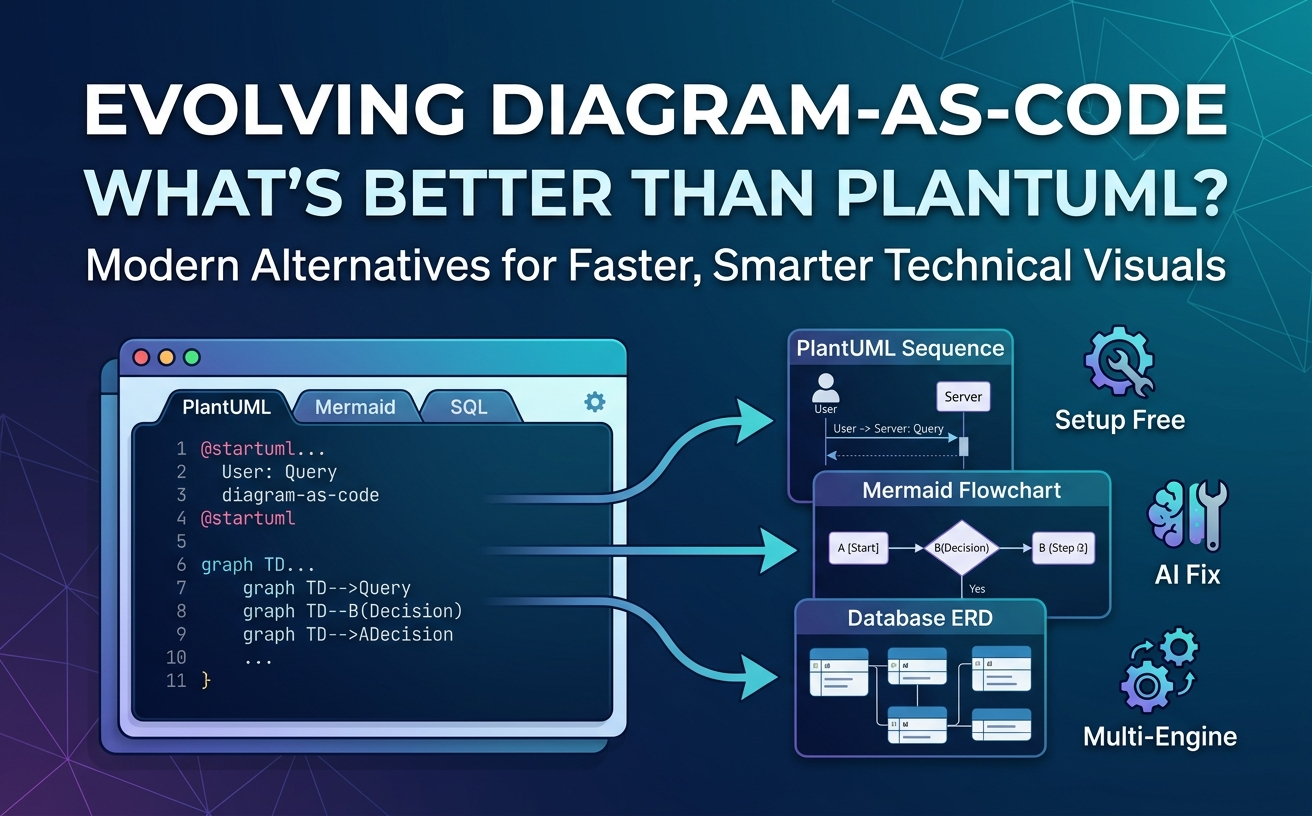
What is better than PlantUML? Modern alternatives like Mermaid.js offer seamless native Markdown integration, while multi-engine platforms like Visual Paradigm VPasCode provide zero-setup browser rendering, multi-DSL support, and AI-powered syntax fixing—eliminating Java dependencies and rendering errors entirely.

Why Teams Are Looking Beyond Standalone PlantUML
PlantUML pioneered the diagram-as-code movement, enabling software architects and developers to build UML diagrams using simple plain text. However, as engineering workflows shift toward modern web environments and rapid continuous documentation, PlantUML’s legacy architecture introduces recurring friction.
The Hidden Friction in Traditional PlantUML Workflows
- Complex Dependencies: Standard PlantUML requires local Java Runtime Environments (JRE) and Graphviz installations, causing setup headaches across engineering teams.
- Syntax Bricking: A single missing bracket or typo breaks the entire render, requiring tedious manual debugging.
- Outdated Visual Styles: Default renders often require extensive custom themes to look presentation-ready for modern stakeholders.
What Modern Diagram-as-Code (DaC) Demands Today
A modern diagram-as-code editor must deliver high speed and low maintenance. Developers need real-time live previews, browser-based access, automated syntax repair, and cross-format support for teams using multiple Domain Specific Languages (DSLs).
Top PlantUML Alternatives Compared
Evaluating a PlantUML alternative depends on whether your priority is web native rendering, specialized visualization, or flexible multi-language support.
| Tool / Platform | Primary Strengths | Key Limitation | Ideal Use Case |
|---|---|---|---|
| Mermaid.js | Native GitHub/Notion support, lightweight JavaScript. | Less expressive for deep, complex UML structures. | Quick documentation in Markdown files. |
| Graphviz | Exceptional auto-layout for network graphs. | Complex, low-level syntax with steep learning curve. | Data-driven graph visualization. |
| Structurizr | Dedicated C4 Model architecture mapping. | Niche focus limited mostly to software architecture. | High-level system architecture modeling. |
| VPasCode | Multi-DSL support, live preview, AI auto-repair. | Advanced features require online account. | All-in-one team diagramming across modern DSLs. |
PlantUML vs. Mermaid.js: Modern Syntax & Native Markdown Support
A Mermaid editor is frequently chosen over PlantUML because Mermaid runs natively in browsers and integrates directly into platforms like GitHub, GitLab, and Notion without extra plugins. However, Mermaid lacks some of PlantUML’s deeper enterprise UML specifications.
PlantUML vs. Graphviz, Structurizr, & Niche DSLs
While Graphviz excels at complex layout algorithms and Structurizr leads in C4 architecture modeling, forcing teams to adopt separate niche tools leads to tool fragmentation and syntax lock-in.
The Core Problem with Single-DSL Tools: Syntax Lock-In
Relying on a tool that only supports one language forces engineers to context-switch between a PlantUML editor, a Mermaid editor, and database schema tools. The true upgrade to PlantUML is not just another single-purpose engine, but a unified rendering engine.
Visual Paradigm VPasCode: The Multi-Engine Upgrade to PlantUML
Visual Paradigm VPasCode is a unified, free PlantUML tool and multi-DSL editor that runs entirely in the browser, eliminating local Java setup while enhancing your existing code with AI capabilities.
Keep Your PlantUML Code, Lose the Setup Headaches
VPasCode features automatic format detection. Simply paste your raw PlantUML, Mermaid, Graphviz, or SQL scripts into the editor, and the platform detects the DSL and renders high-definition previews instantly without manual switching.
Self-Healing Syntax: AI-Powered Error Fixing and Code Diffs
When syntax errors break your render, VPasCode offers a single-click “Fix by AI” button. It repairs broken code automatically and displays a side-by-side visual code diff so you can review changes immediately.
Polyglot Diagramming: Support for PlantUML, Mermaid, SQL, and Data Formats
Rather than replacing your workflow, VPasCode unifies your tooling. It supports PlantUML, Mermaid, Graphviz, Markmap, ECharts, JSON, YAML, SQL, and raw programming languages (Java, Python, TypeScript, Go, and C#) inside a single browser interface.
Enterprise-Ready Technical Documentation via OpenDocs & Seamless Export
Export your diagrams directly as scalable vector graphics (SVG) or high-resolution PNGs, share them instantly via short URLs, or publish them straight to Visual Paradigm OpenDocs for centralized technical documentation.
How to Port Your Legacy PlantUML Scripts to VPasCode (Step-by-Step)
- Step 1: Copy and Paste Raw Script with Auto-Format Detection
Open the free editor at vpascode.com and paste your existing PlantUML script. VPasCode detects the format instantly. - Step 2: Refine and Translate Diagrams with AI Tools
If you encounter legacy syntax bugs, click Fix by AI. You can also use native AI translation to translate diagram labels into multiple languages in seconds. - Step 3: Export and Embed into Documentation
Download your rendered diagram as SVG/PNG or generate a shareable URL to embed directly in team wikis or pull requests.
Final Verdict: Which PlantUML Alternative Should You Choose?
If you want simple inline documentation inside Markdown files, Mermaid.js is a solid lightweight option. However, if you want to keep your existing PlantUML codebases, eliminate Java installations, access multi-DSL support, and leverage AI syntax debugging, Visual Paradigm VPasCode offers the most complete, friction-free upgrade available today.