

Mastering System Architecture with the Ultimate
Diagram-as-Code Editor
Documenting complex system architectures, workflows, and database schemas should never feel like a tedious chore. Using an AI-powered Visual Paradigm VPasCode experience, developers and technical leads can instantly turn plain text descriptions into high-fidelity visual diagrams. Whether you are drafting sequence flows or plotting analytics, this browser-based text to diagram tool helps you focus on structural logic rather than manually moving shapes across a canvas.
Smart Code Parsing
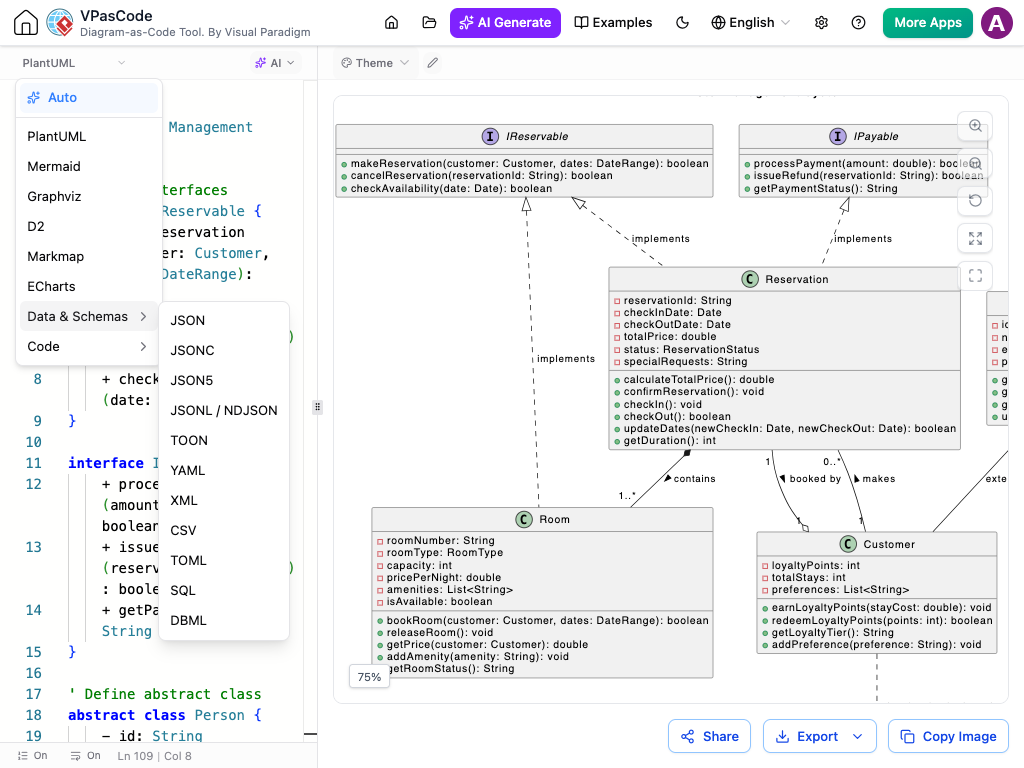
Automatic Format Detection
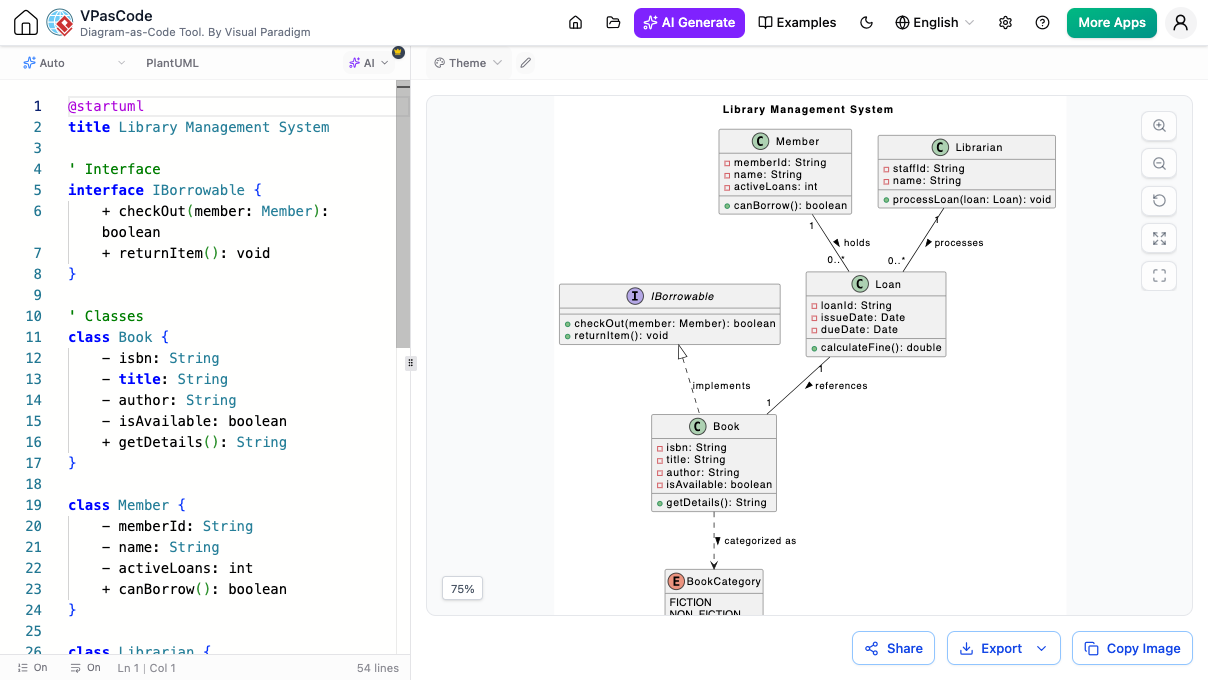
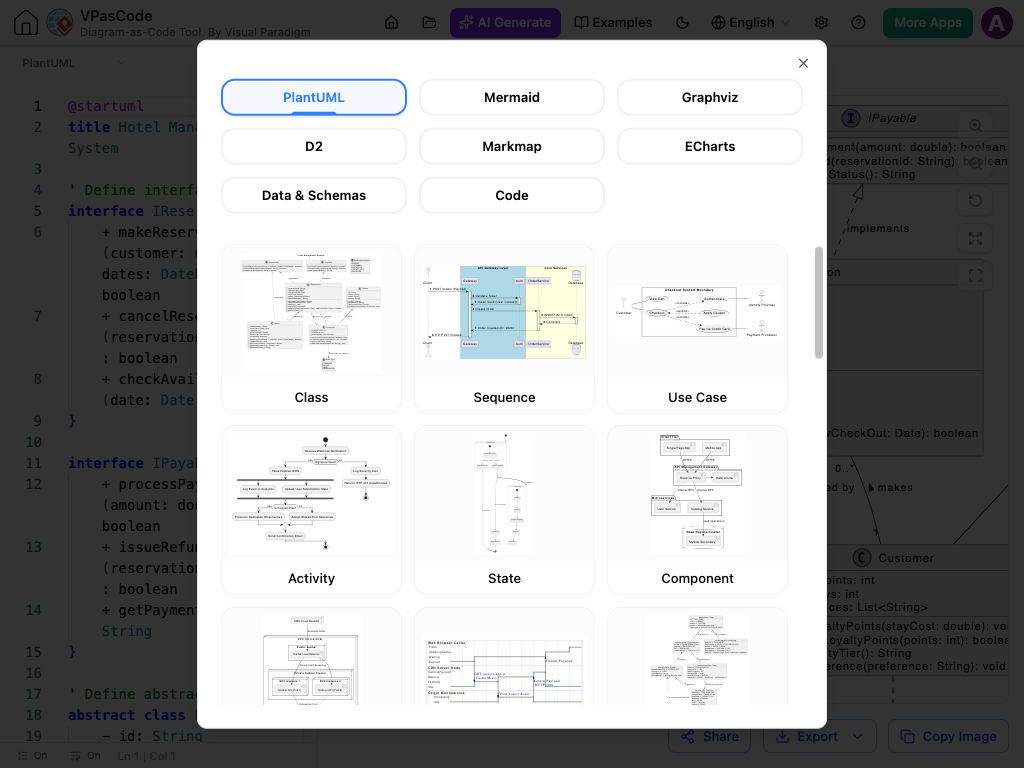
Stop worrying about choosing the right syntax setting before you start writing. The editor automatically analyzes your input code on the fly and identifies the correct framework—whether it is PlantUML, Mermaid.js, Graphviz, D2, or structured data standards. Simply paste your script into the panel, and our AI assistant and smart parser handle the rest seamlessly.
Instant Feedback
Real-Time Visual Preview
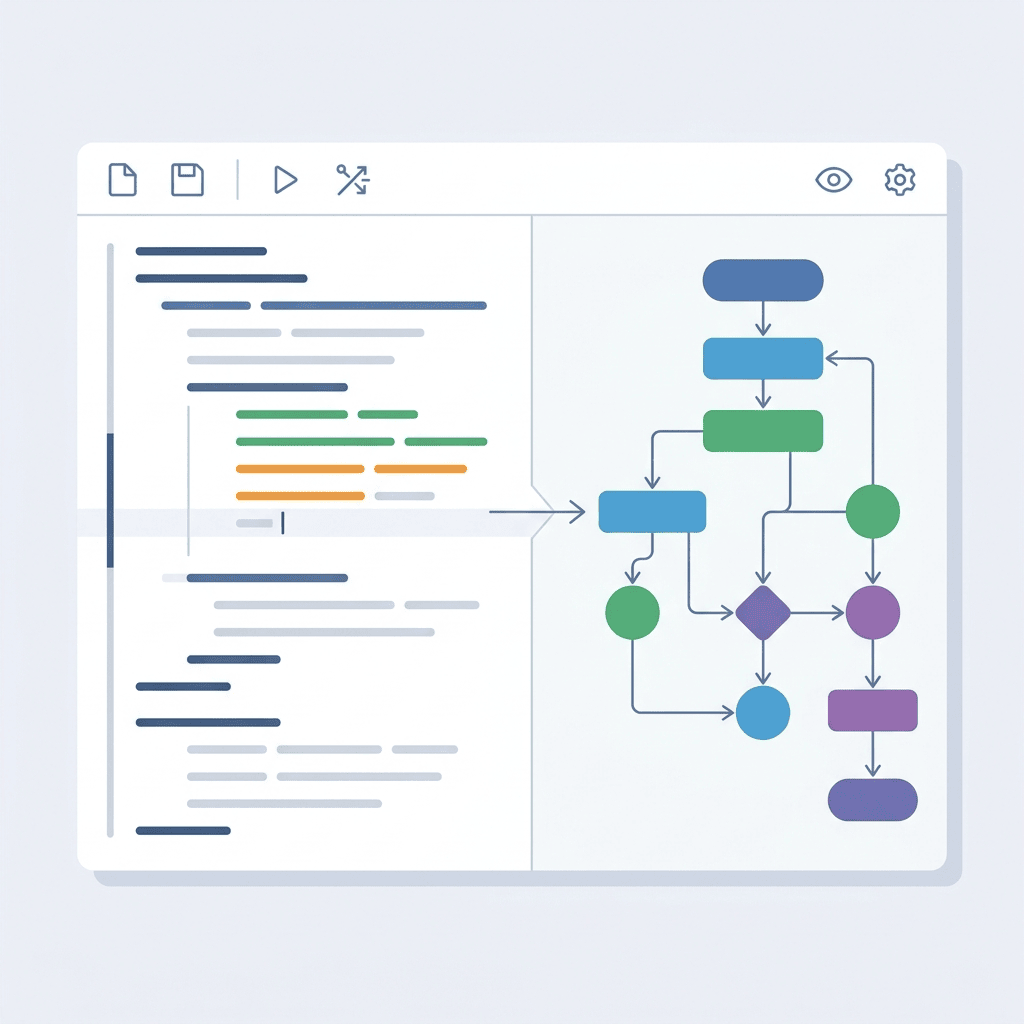
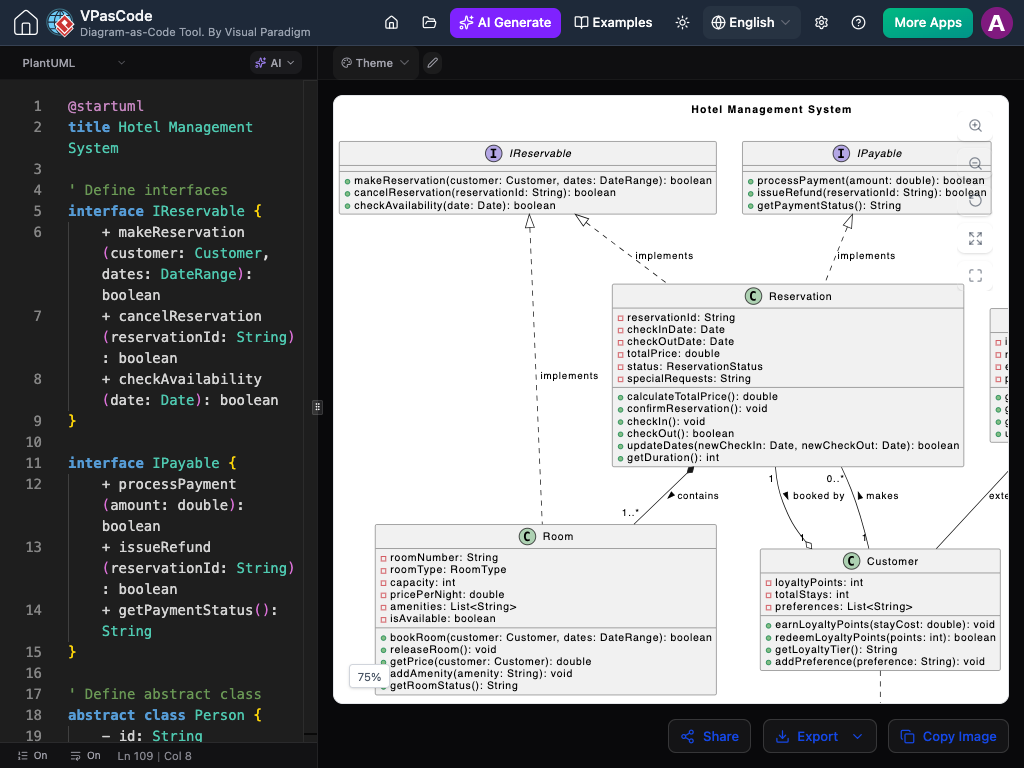
Speed up your technical documentation feedback loop with instant rendering. As you type or modify code inside this modern diagram-as-code tool, the visual view updates in real time right beside your text. This eliminates guesswork and helps you catch logic errors or formatting issues instantly as you work
Flexible Deliverables
Multi-Format Export Options
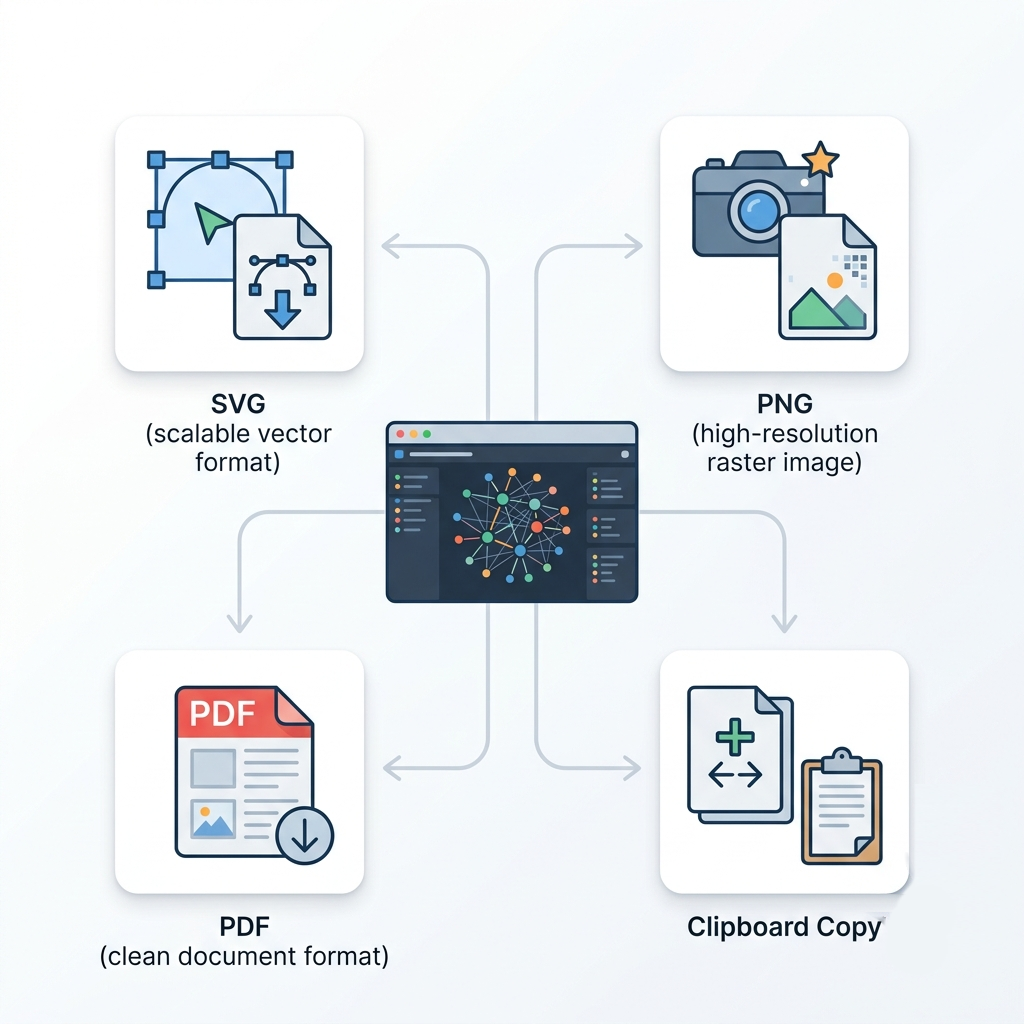
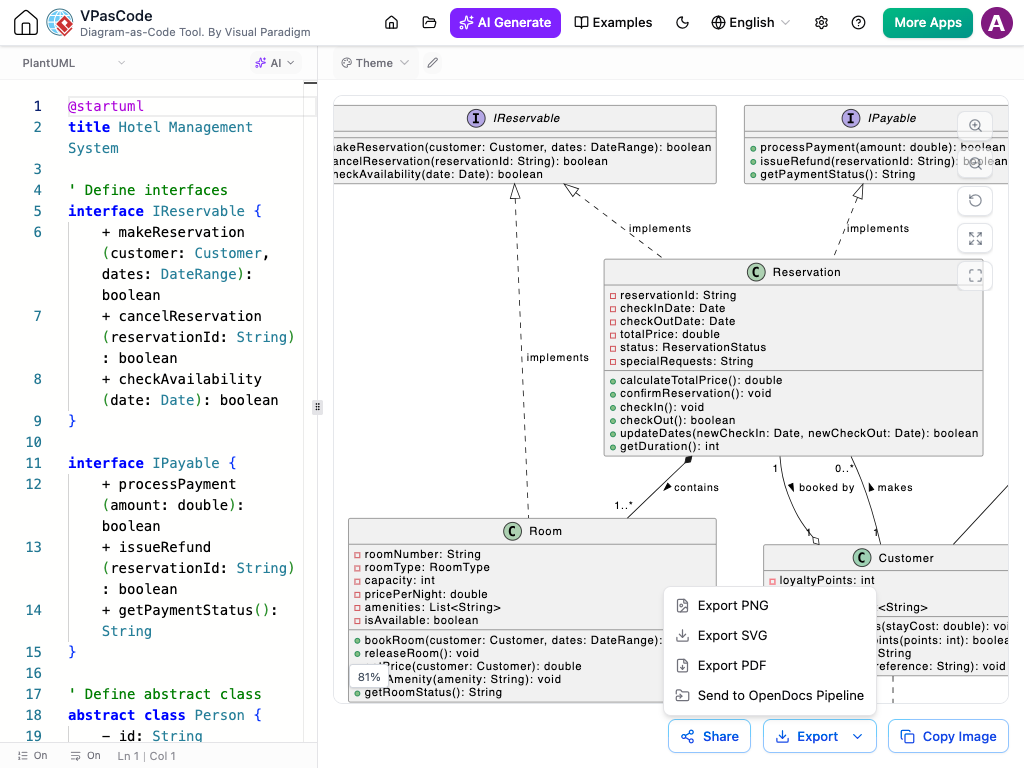
Take full control over your design deliverables. Export your finished visual charts in crisp, scalable vector formats (SVG) for documentation repositories, high-resolution raster images (PNG) for pitch decks, or clean PDFs. You can also copy rendered images straight to your clipboard for quick paste operations.
Explore the VPasCode Workspace
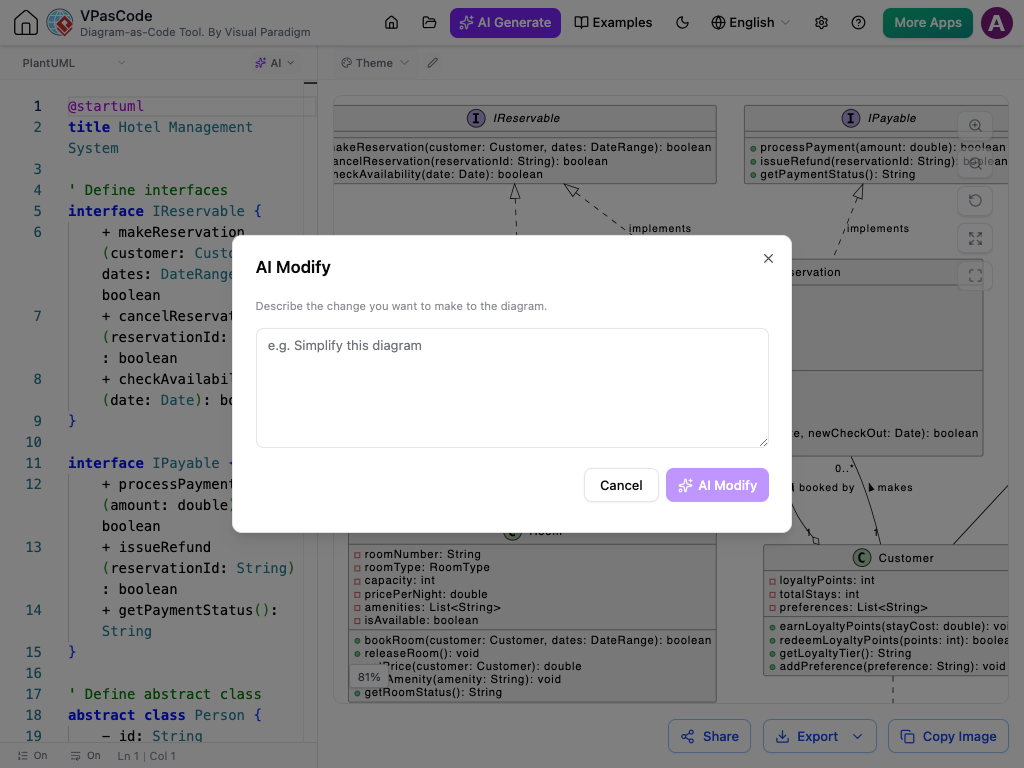
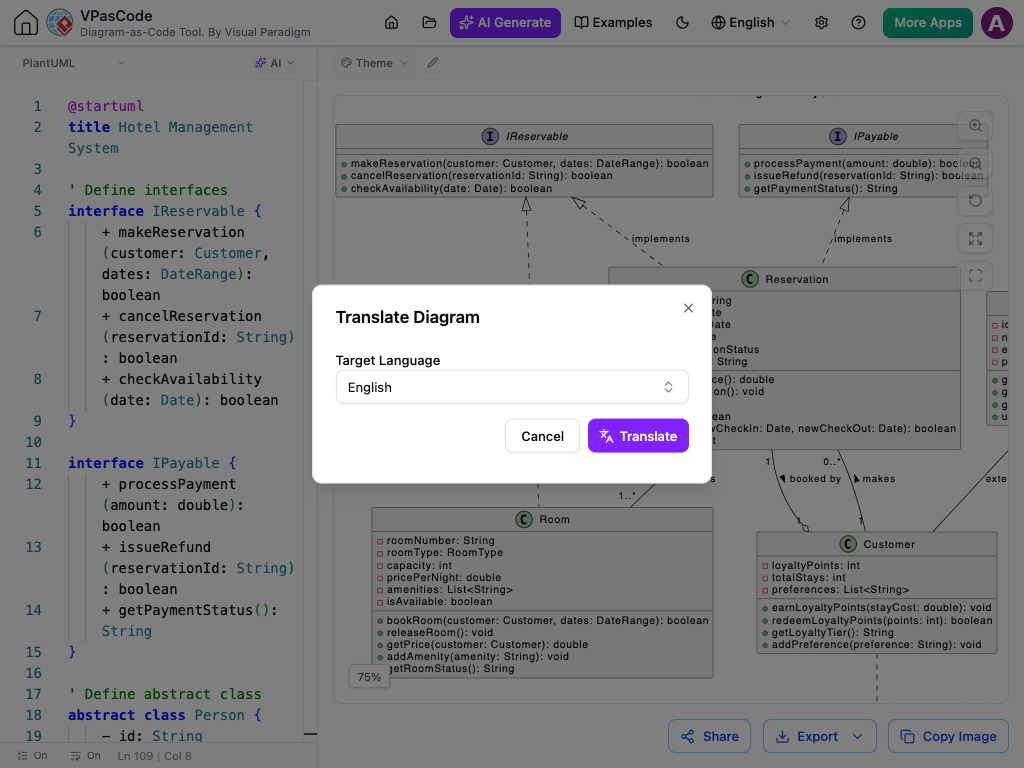
Take a quick tour of our feature-rich editor. From AI-assisted editing and language translation to instant theme customization and flexible export options, see how VPasCode simplifies diagram creation.


Powerful Utilities to Streamline Your Workflow
Built-in tools designed to speed up code editing, enhance visual themes, and make team collaboration seamless.

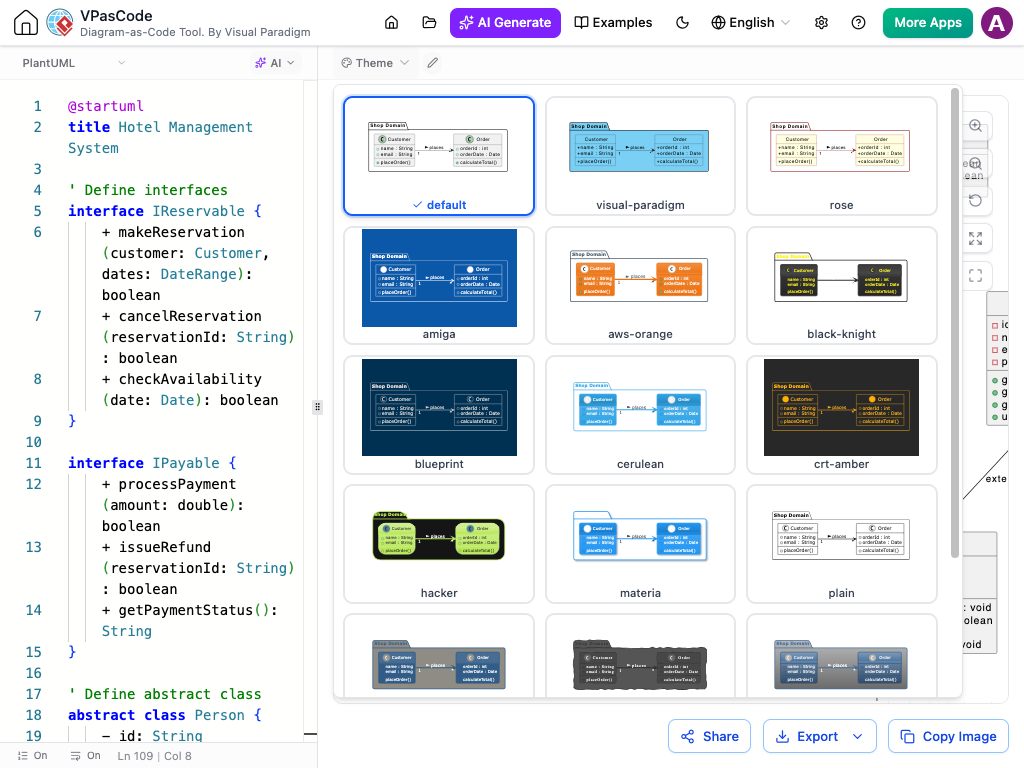
Interactive Theme Picker
Select from curated PlantUML themes like Cerulean, AWS-Orange, or Materia with automatic code injection.

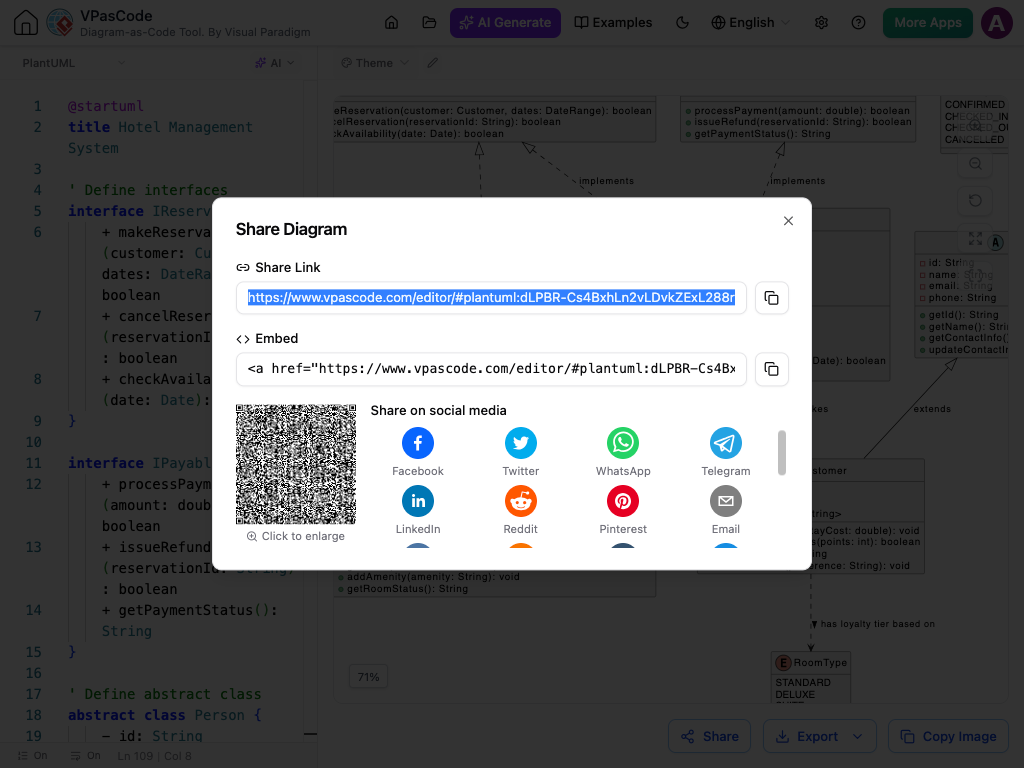
Seamless Sharing
Generate lightweight, shareable web links so team members can view live diagrams directly in their browsers.

Light & Dark Workspace
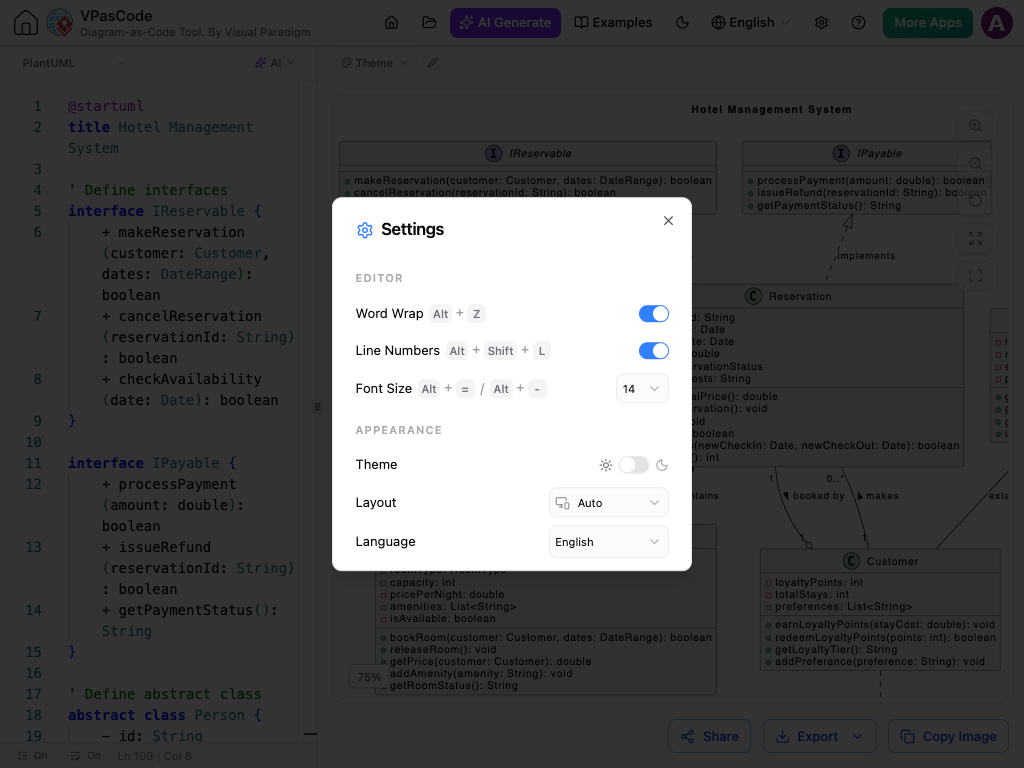
Toggle between crisp light mode and sleek dark mode to reduce eye strain during long coding sessions.

How Your Workflow Transforms
Step 1: Code & Detect
Start typing or paste your code. The AI parser automatically identifies the syntax—whether it's PlantUML, Mermaid, ECharts, or schema formats—no manual setup required.
Step 2: Instant Real-Time Preview
As you edit your source text, your visual diagram updates right beside it instantly. Spot errors, tweak parameters, and verify visual structures on the fly as a modern diagram-as-code tool.
Step 3: One-Click Theme Picker
Instantly style diagrams via dropdown themes like Cerulean or Materia and more, also toggle between Light and Dark workspace modes.
Step 4: Share & Export Seamlessly
Share live URLs with stakeholders or export high-res PNG, vector SVG, and PDF files directly to your documentation or team chat channels.
Ready to Build Diagrams in Seconds?
Transform plain code into professional software architecture diagrams instantly. Experience AI-powered diagramming right in your browser—no downloads required.