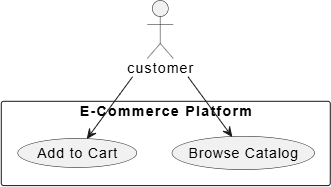
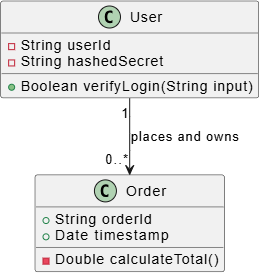
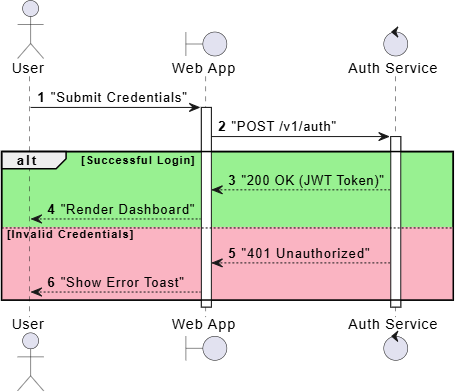
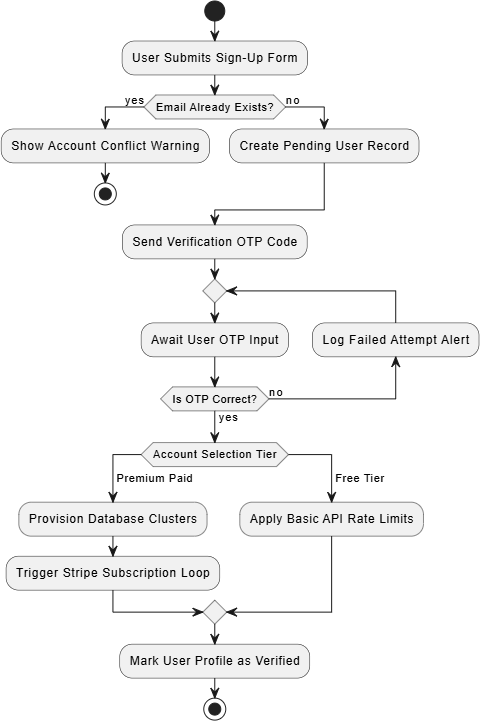
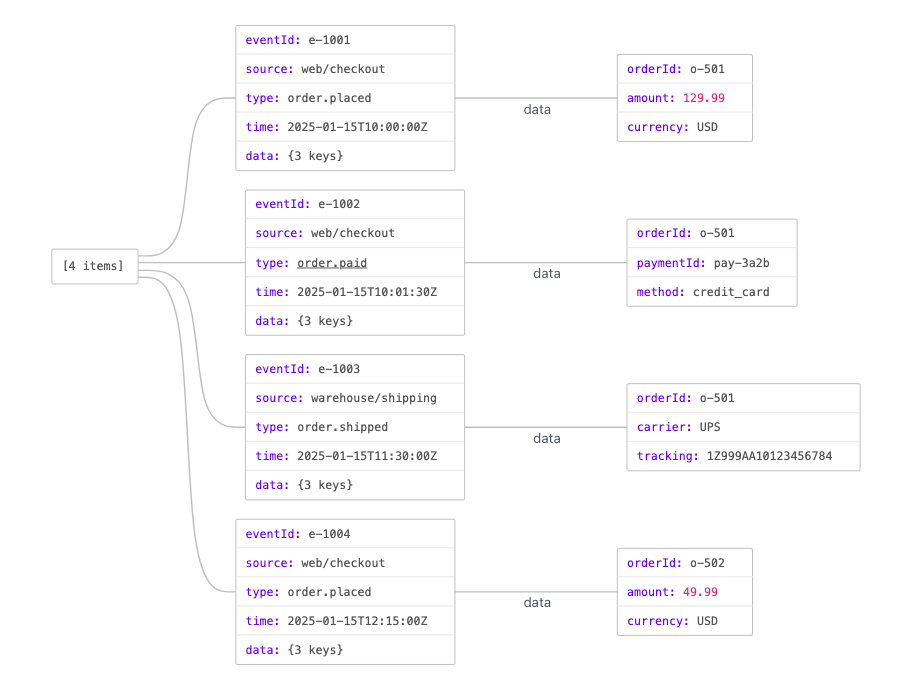
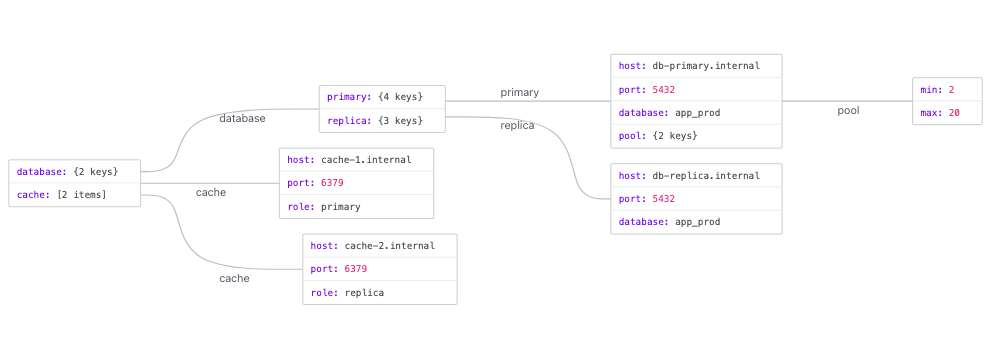
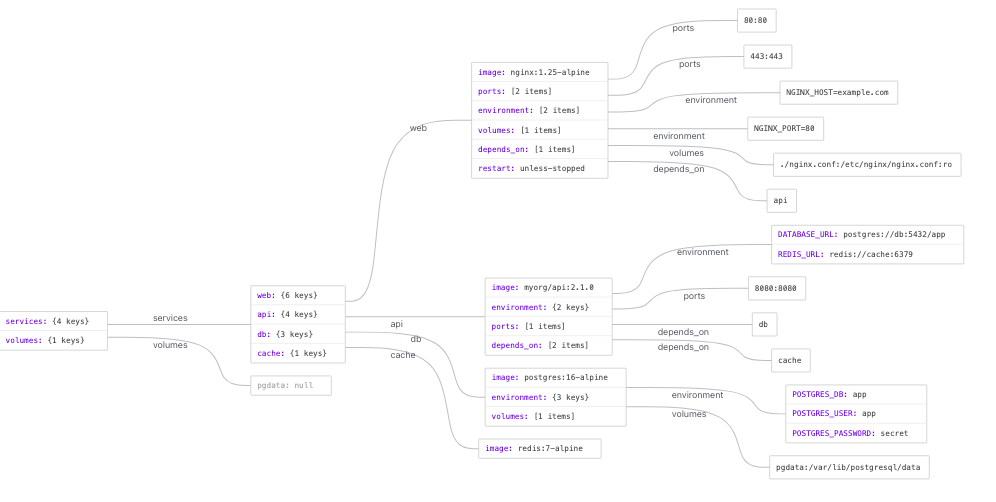
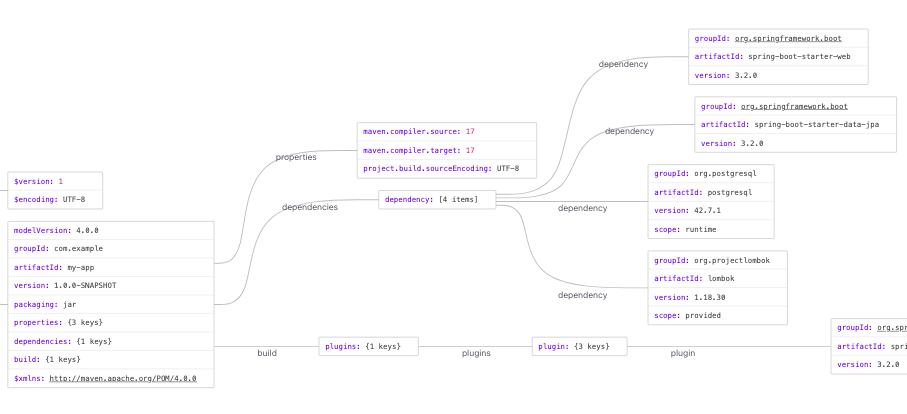
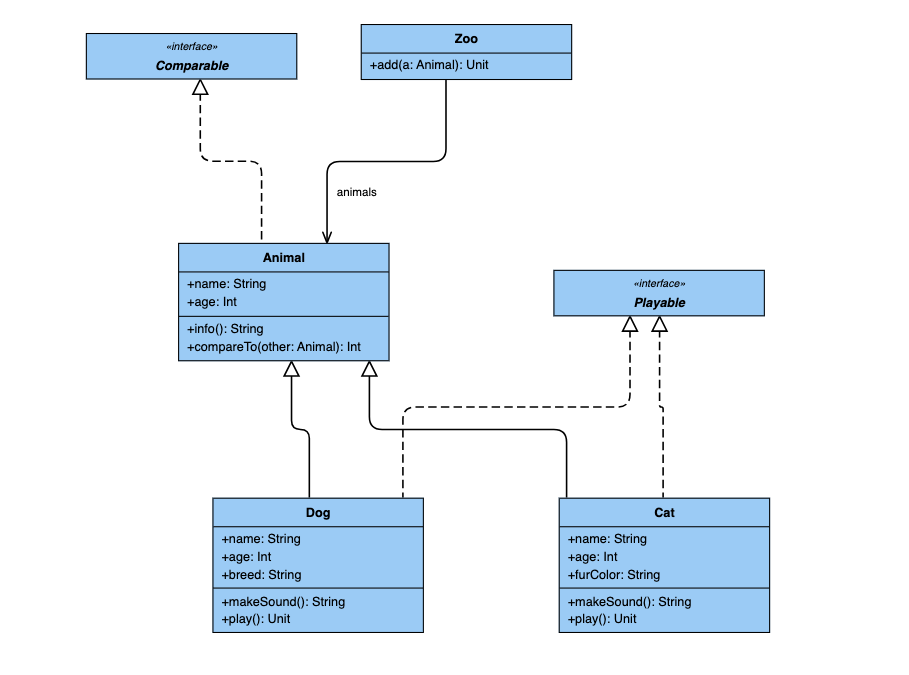
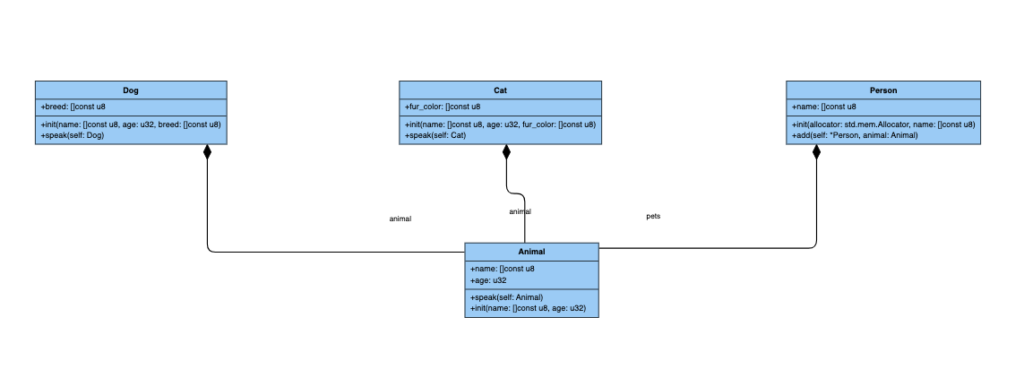
Browse Diagram Types & Syntax Templates

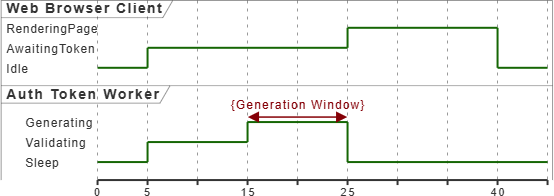
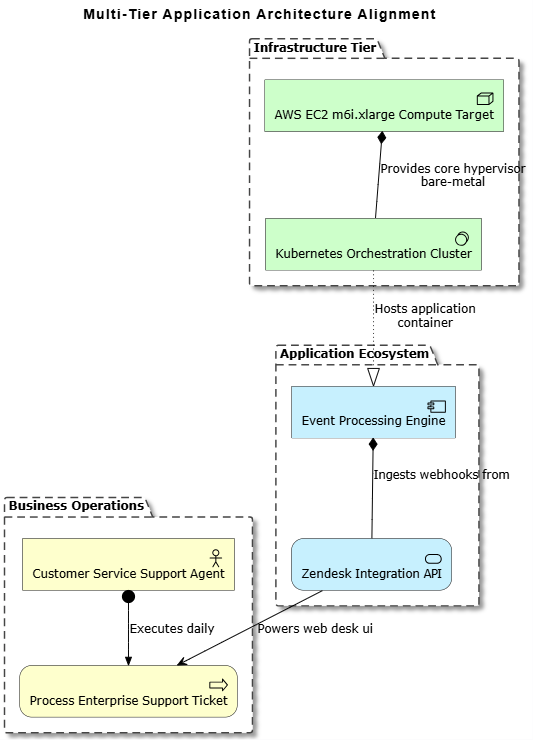
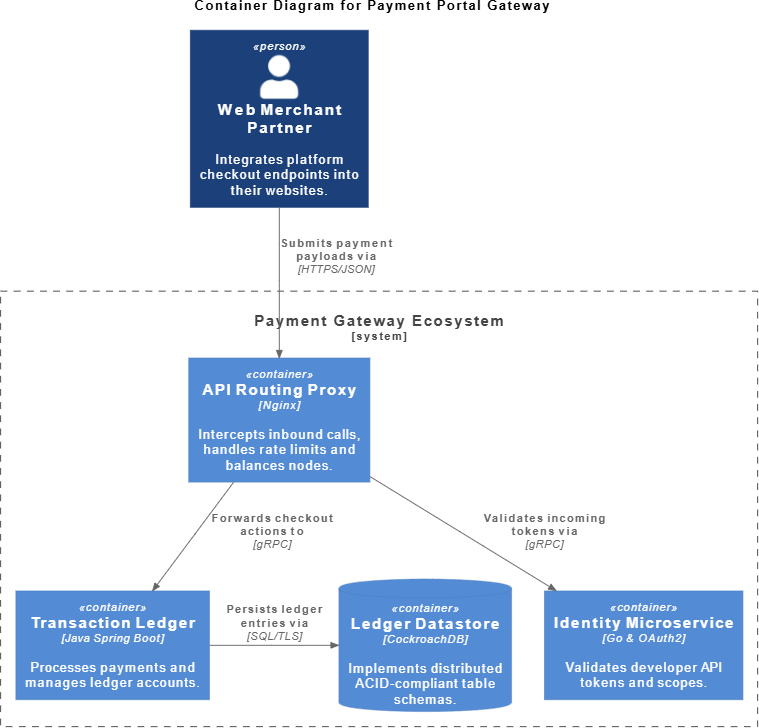
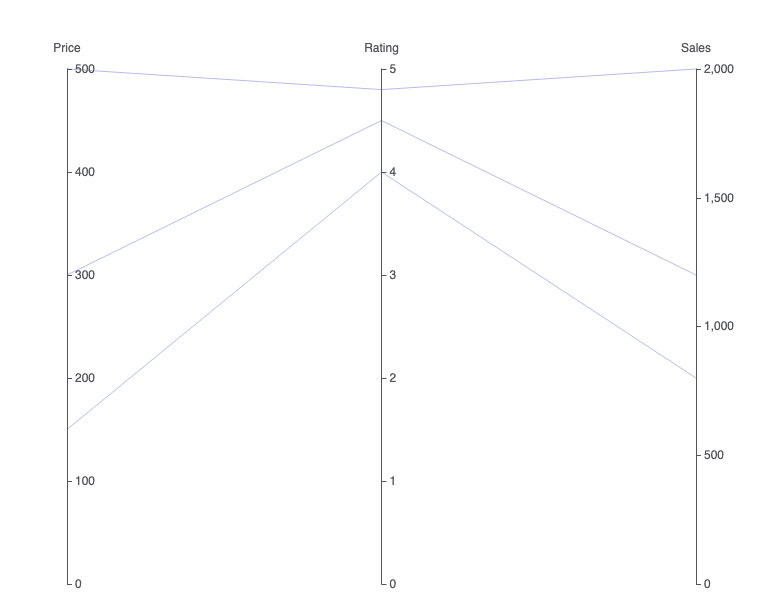
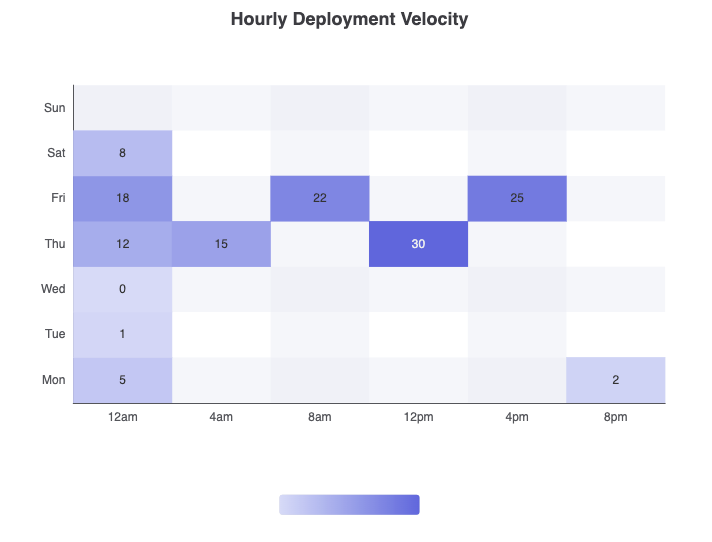
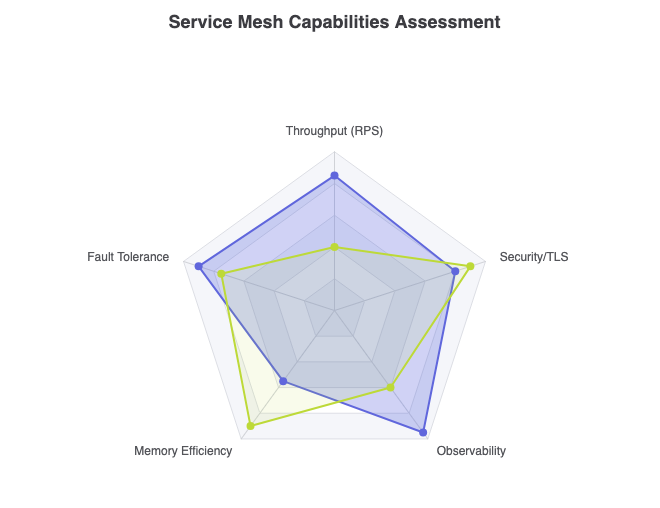
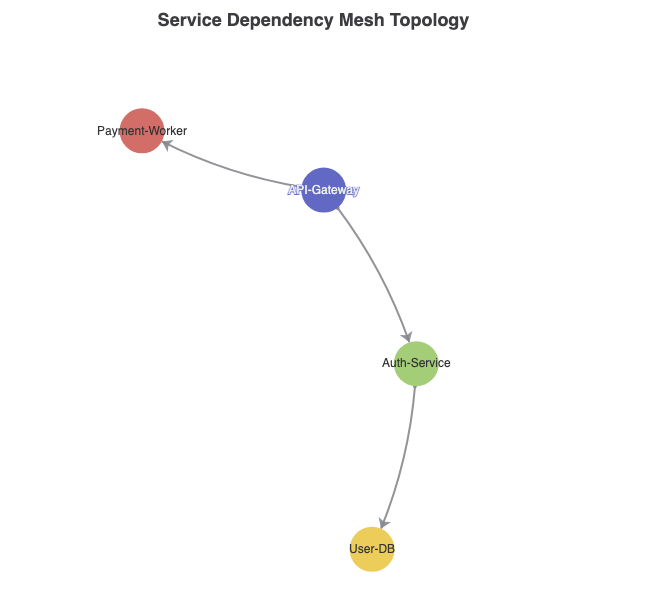
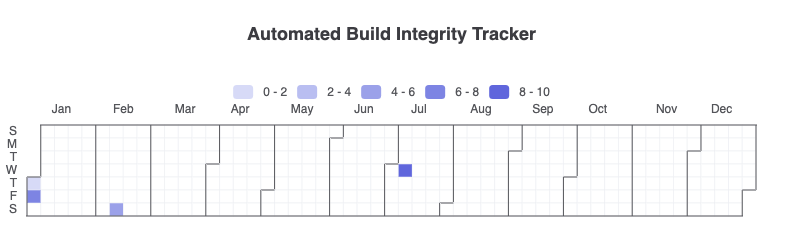
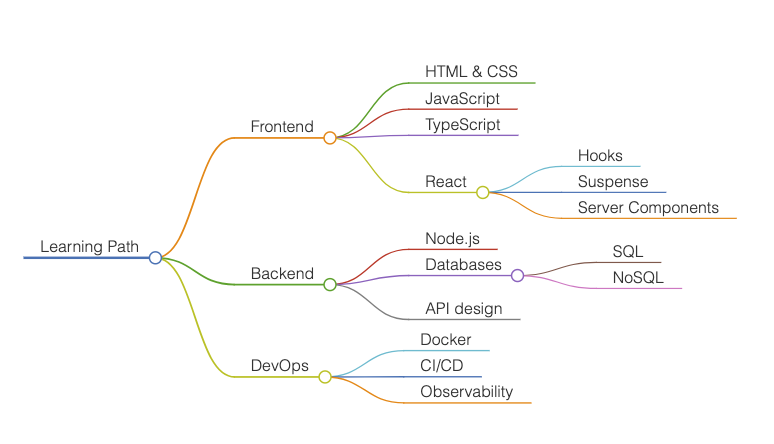
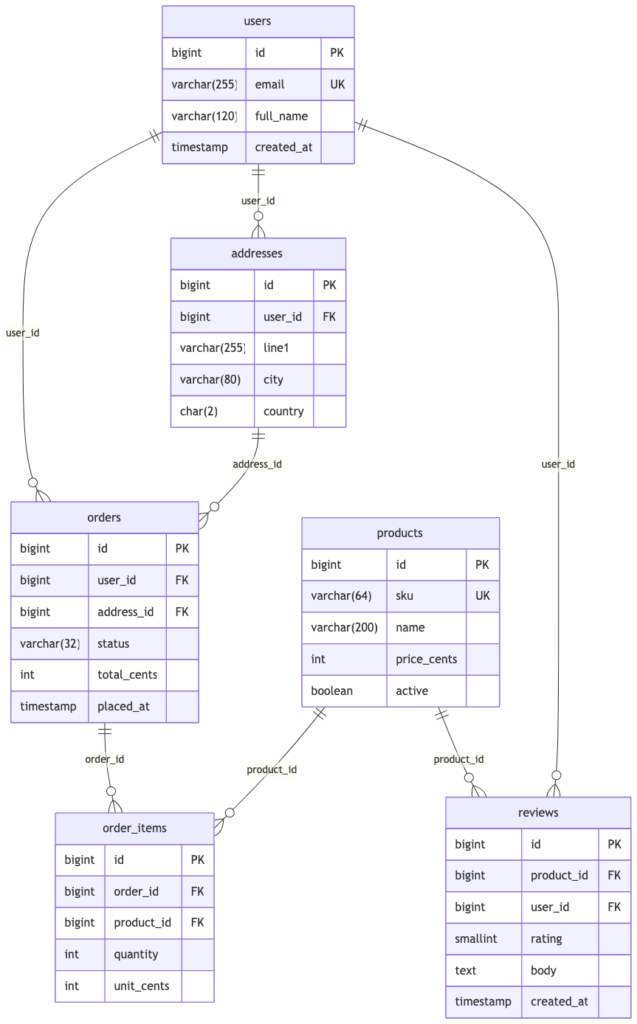
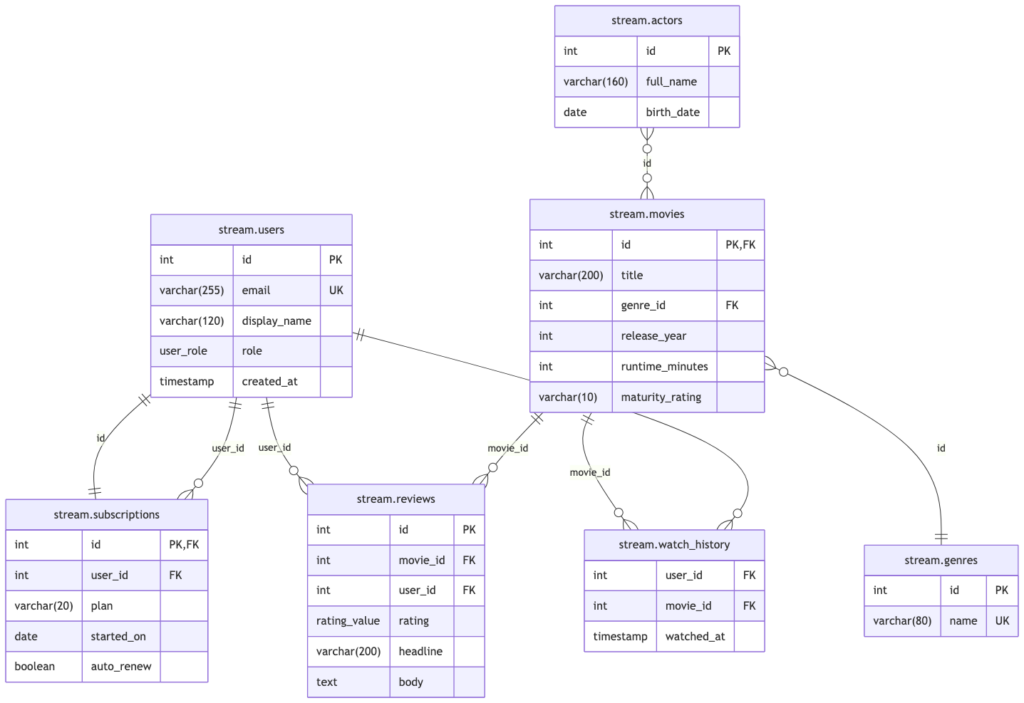
Find the perfect layout for your technical documentation. Explore our complete library of diagram types across PlantUML, Mermaid.js, and Graphviz. Click on any diagram card below to access step-by-step syntax guides, live code blueprints, and real-world examples.
What is PlantUML?

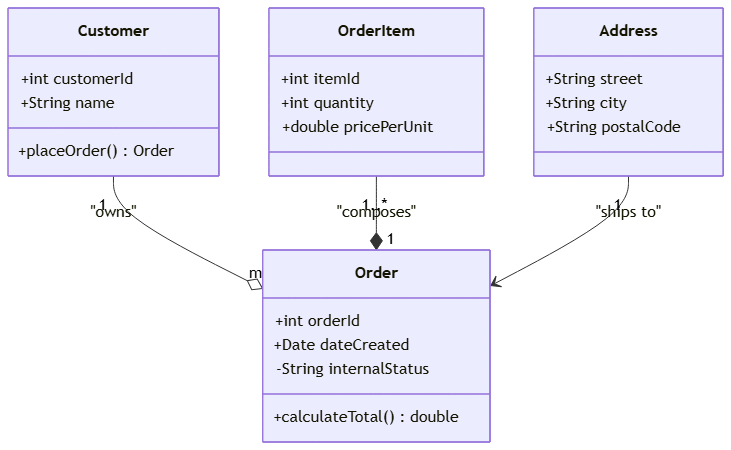
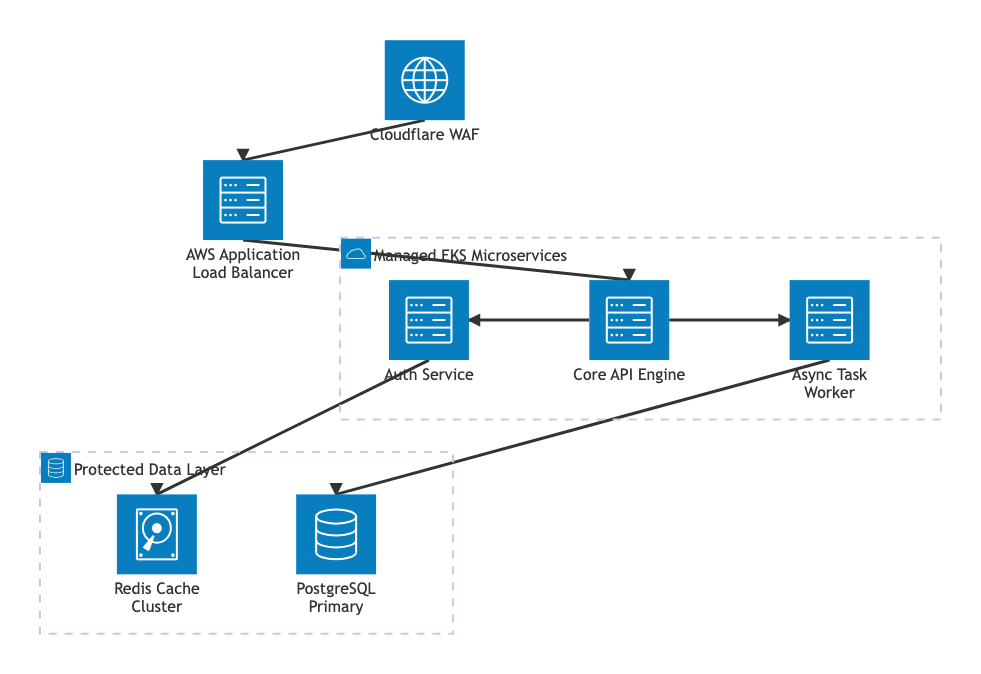
PlantUML is an open-source, text-based tool used to create clear and detailed software architecture diagrams. Instead of manually drawing boxes and dragging arrows in a graphic editor, developers write simple, human-readable code scripts that PlantUML automatically converts into professional images.
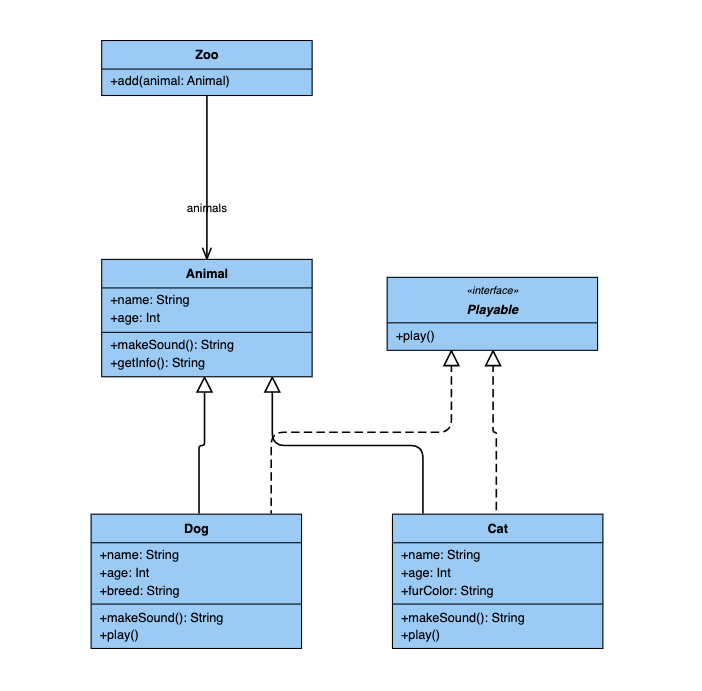
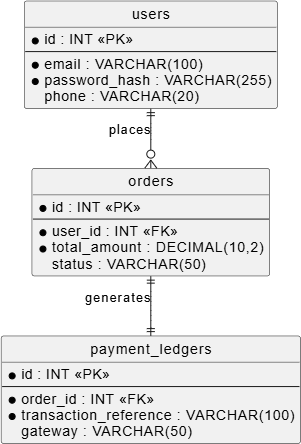
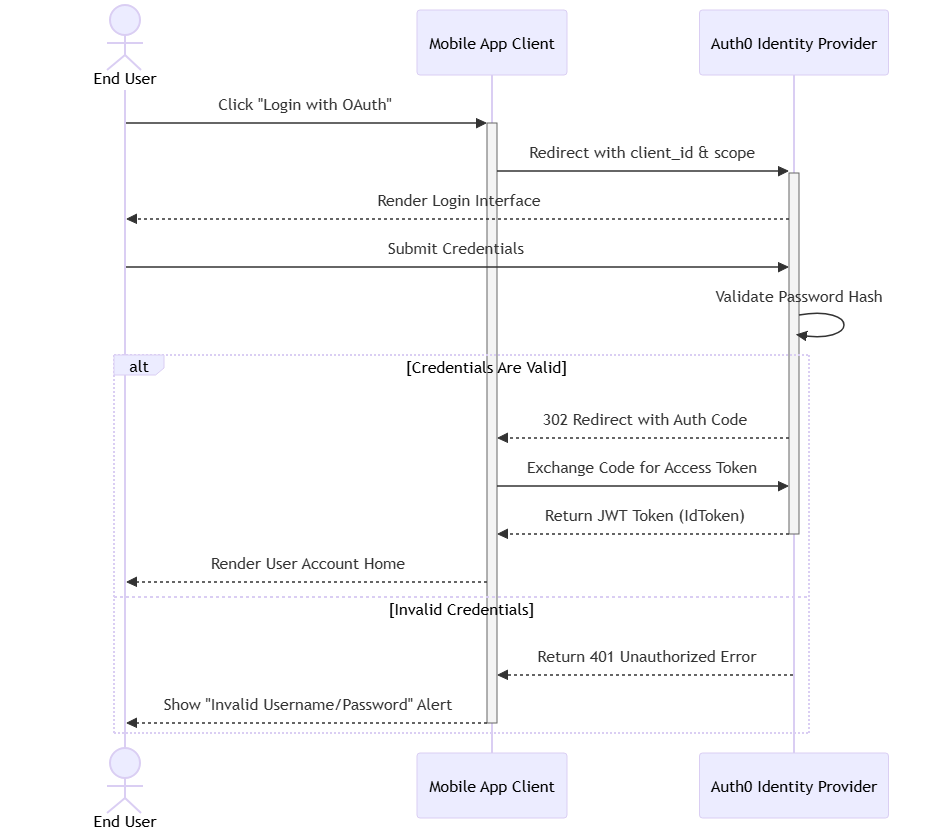
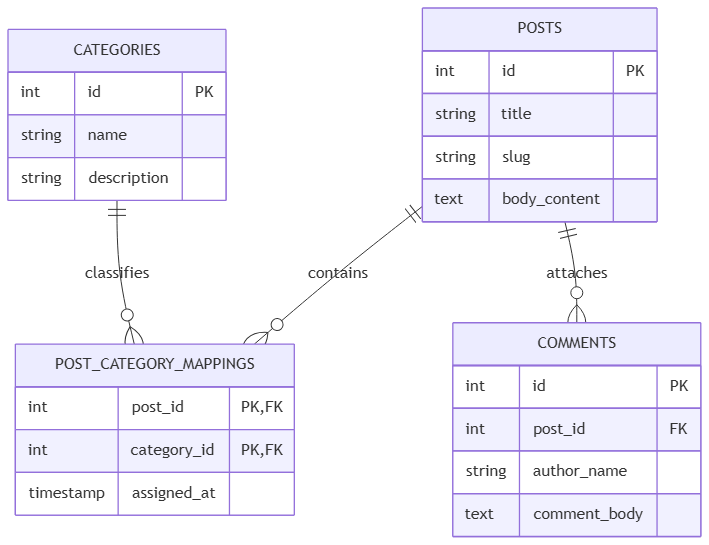
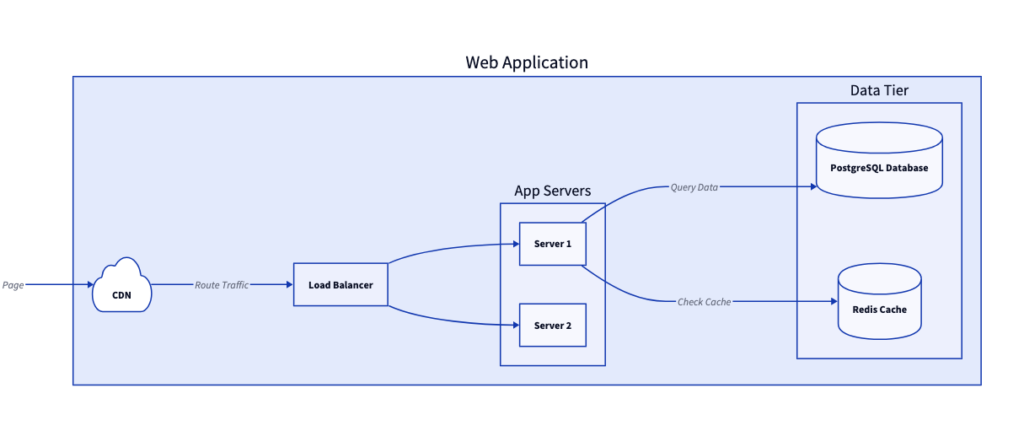
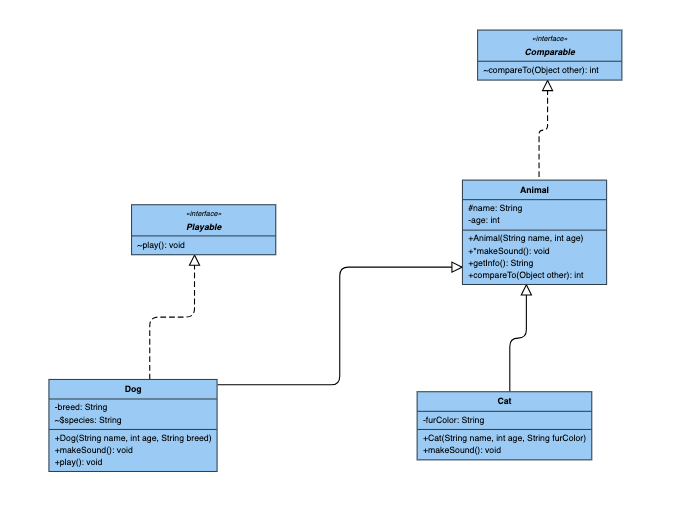
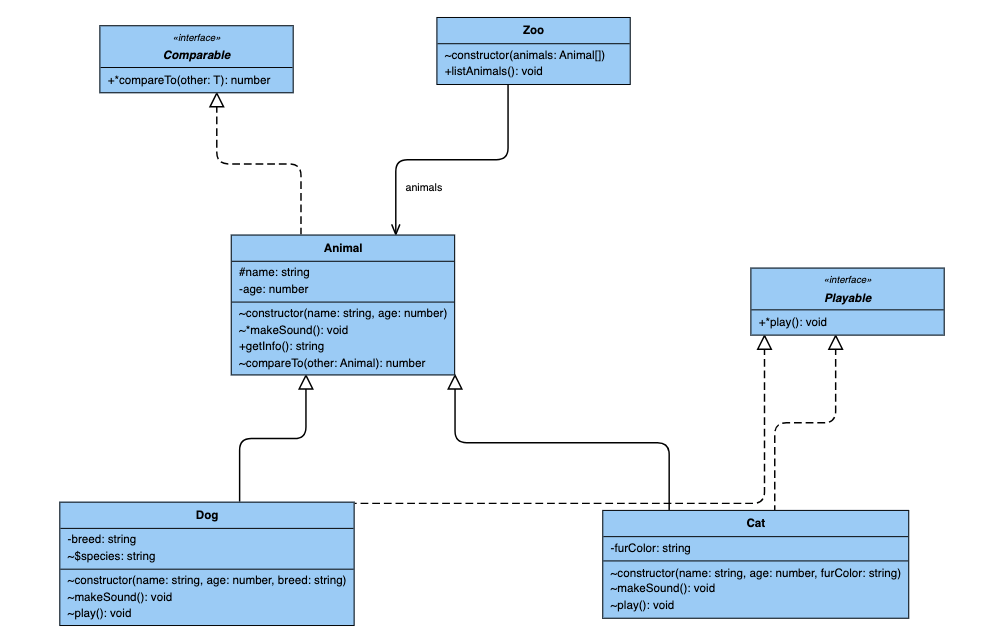
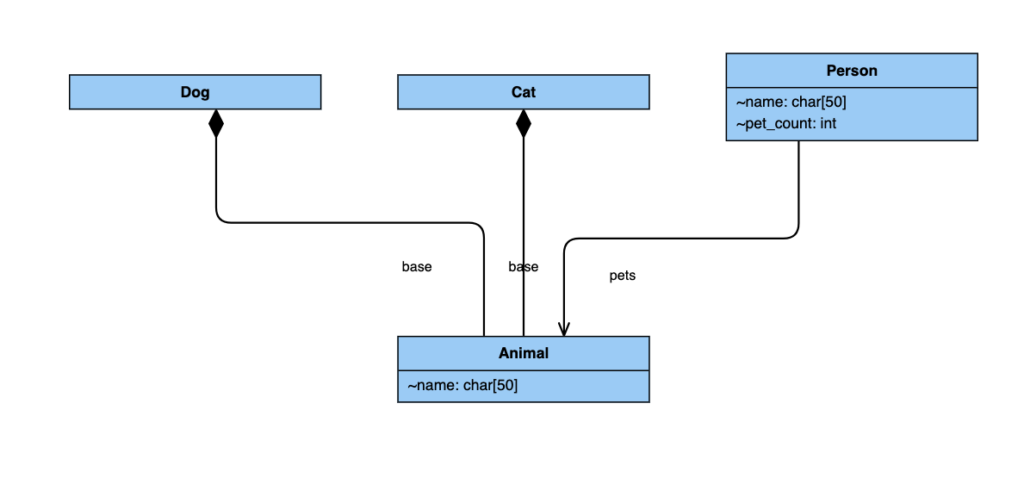
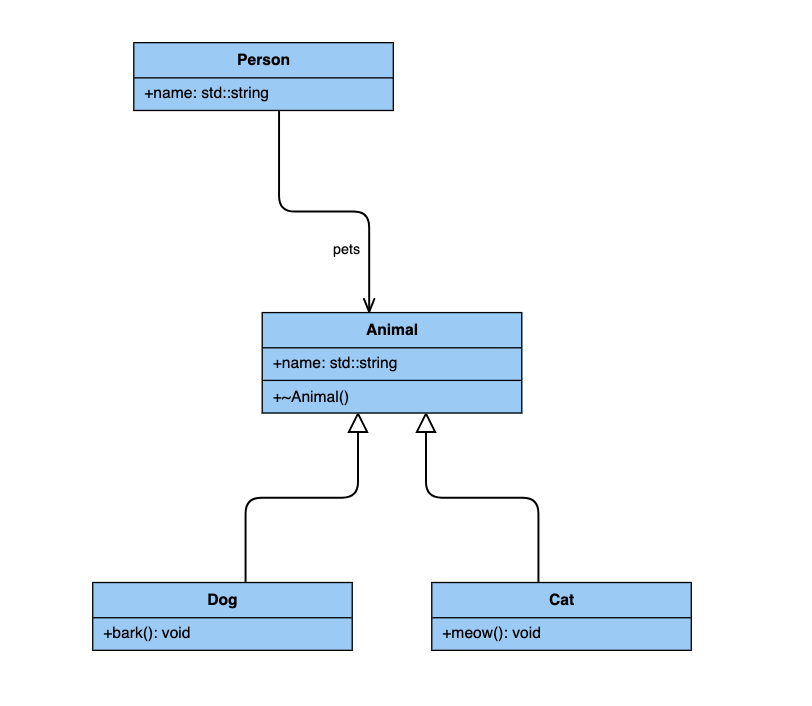
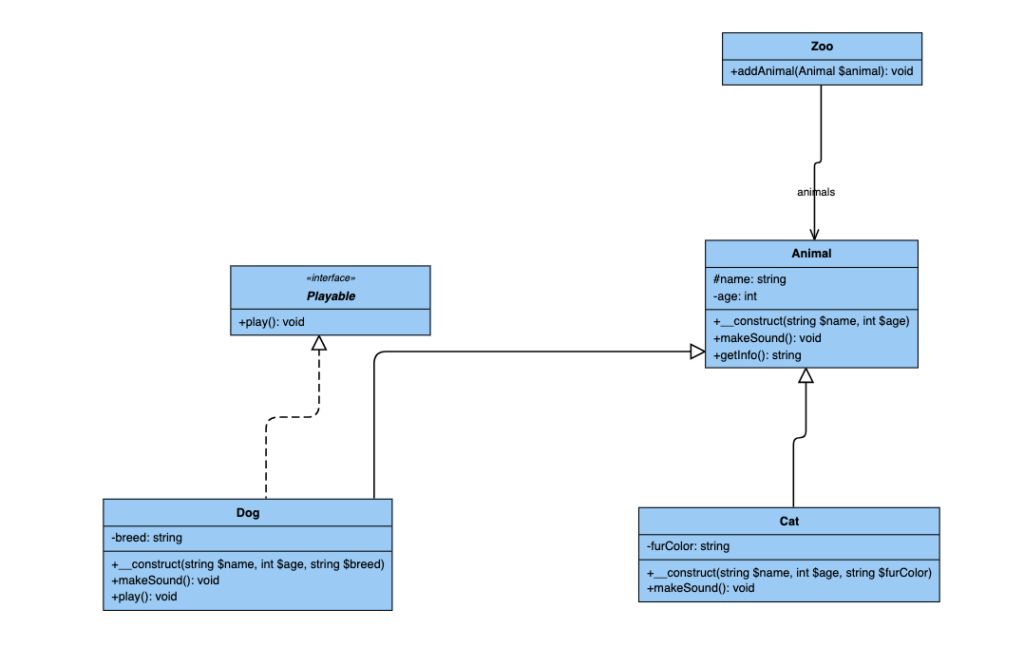
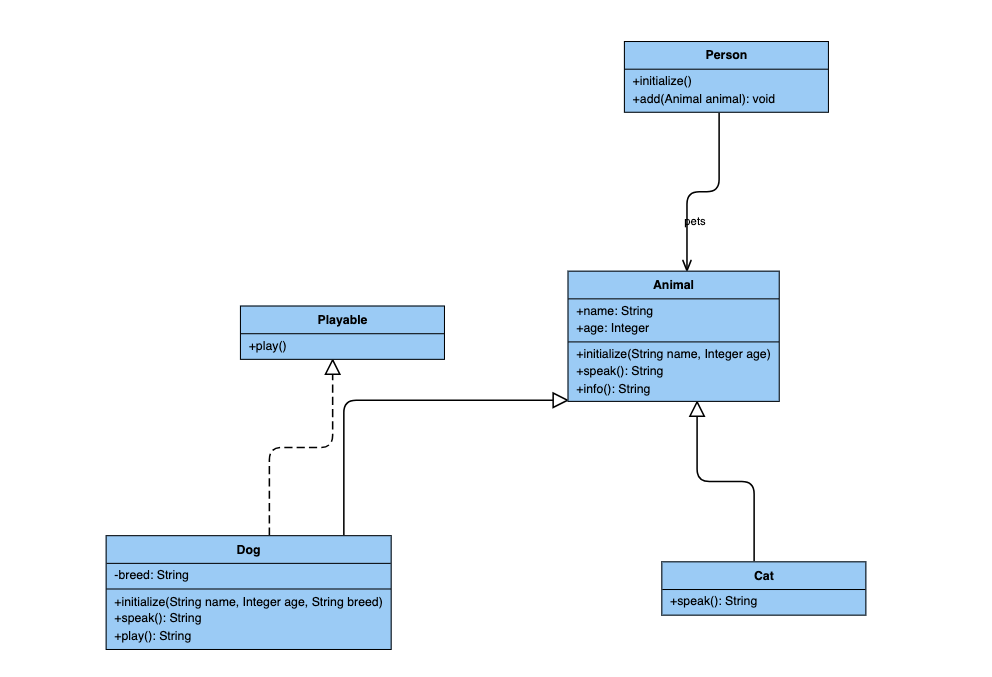
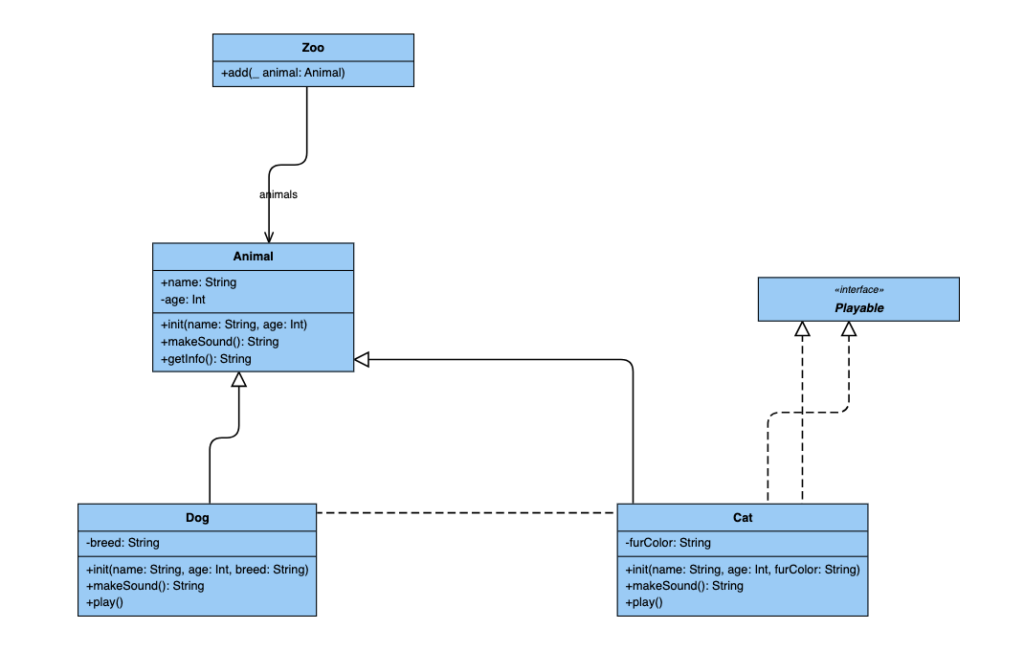
It is heavily favored by software engineers and database administrators for complex modeling tasks. It excels at generating highly technical diagrams, including Unified Modeling Language (UML) class layouts, database schemas (Entity-Relationship diagrams), and intricate sequence workflows that trace how data moves through a system.
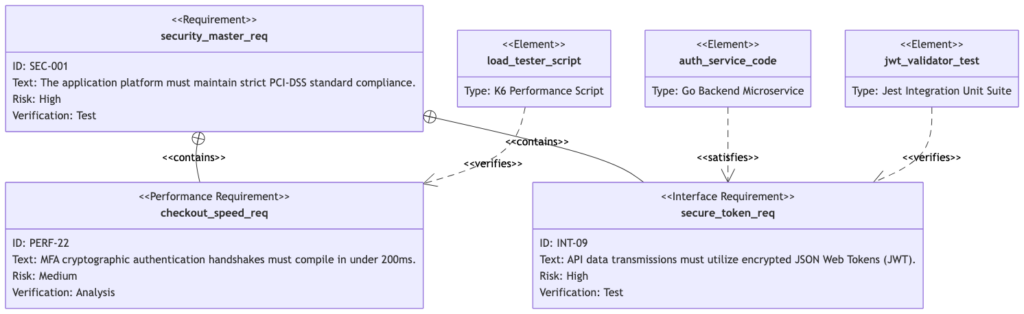
What is Mermaid.js?

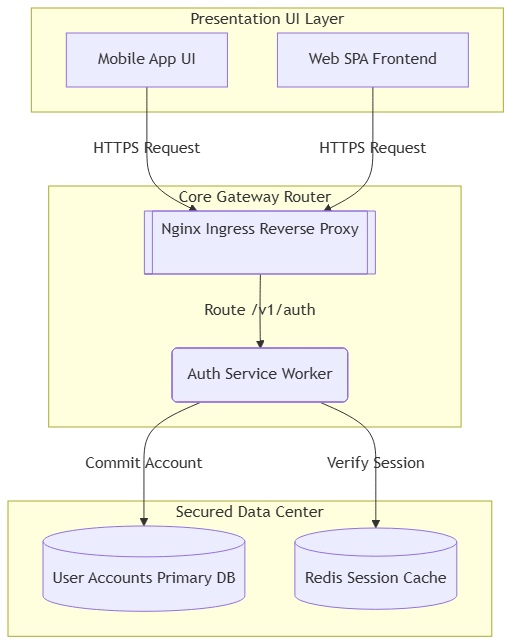
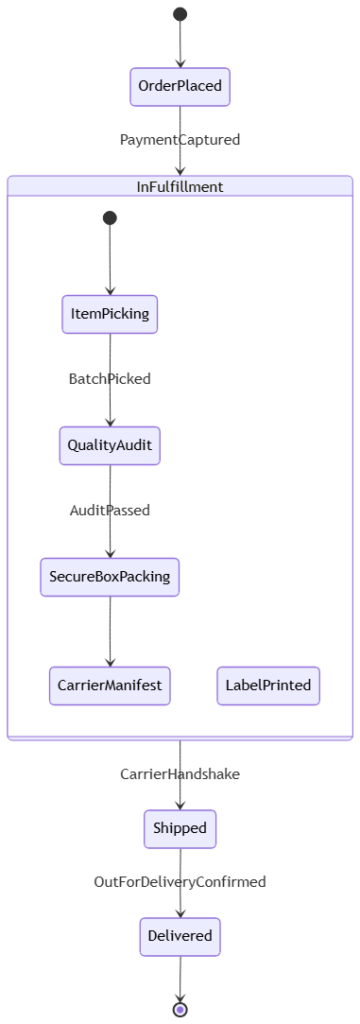
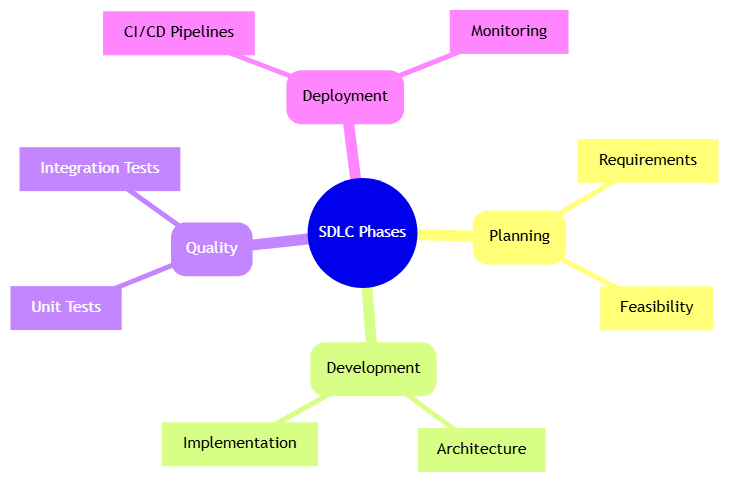
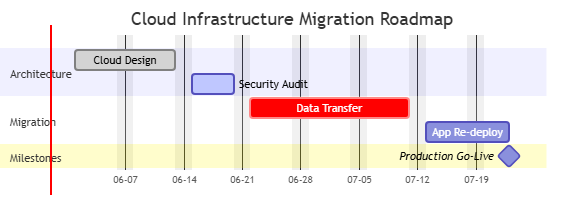
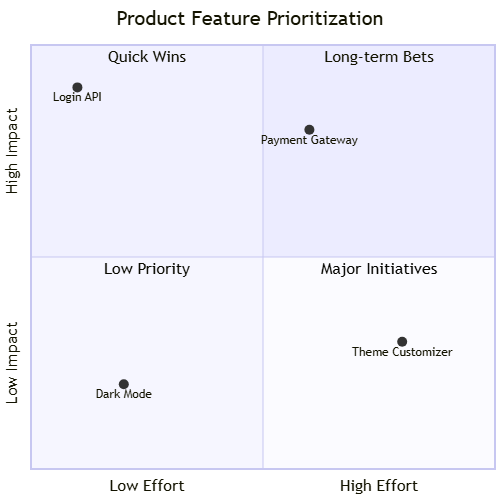
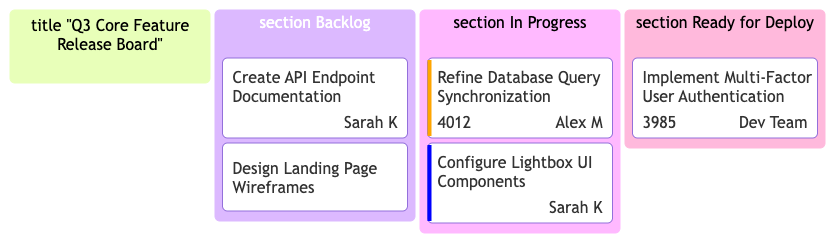
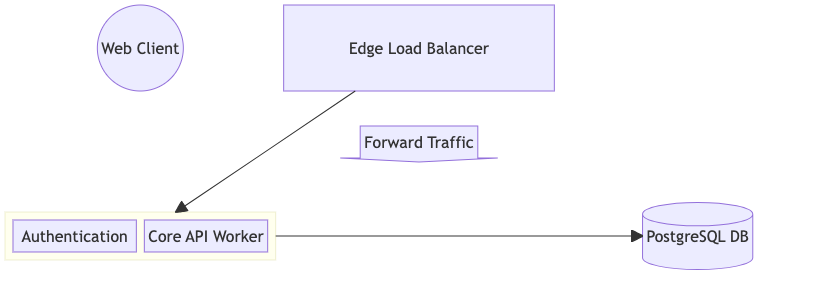
Mermaid.js is a modern, JavaScript-based diagramming tool that lets you generate smart visual charts directly inside web browsers and documentation platforms using simple, markdown-like text. Because it runs purely on web code, it allows teams to update diagrams dynamically without uploading new image files every time a system changes.

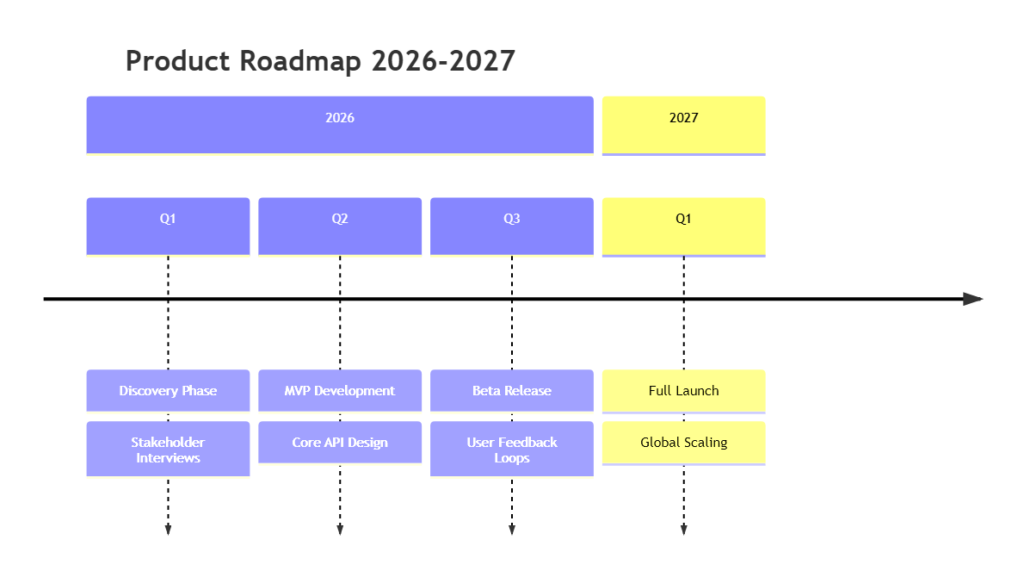
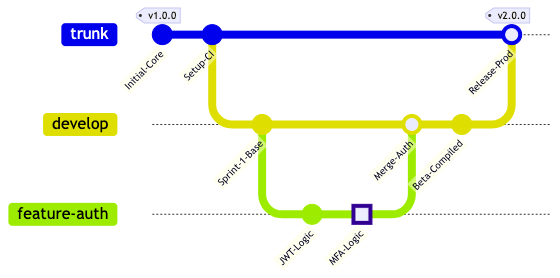
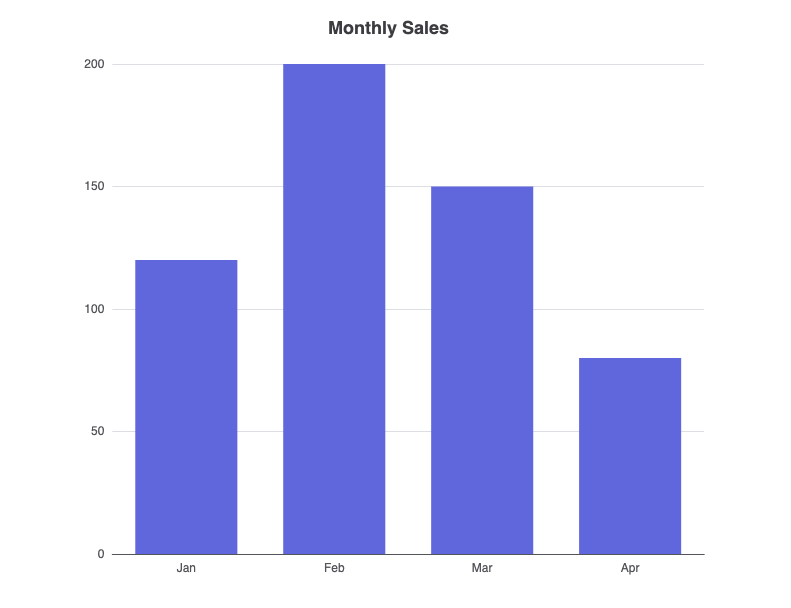
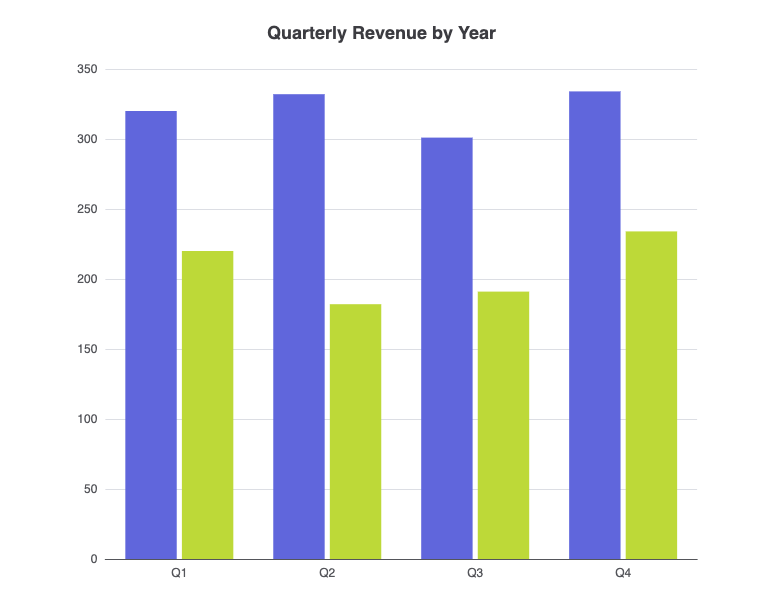
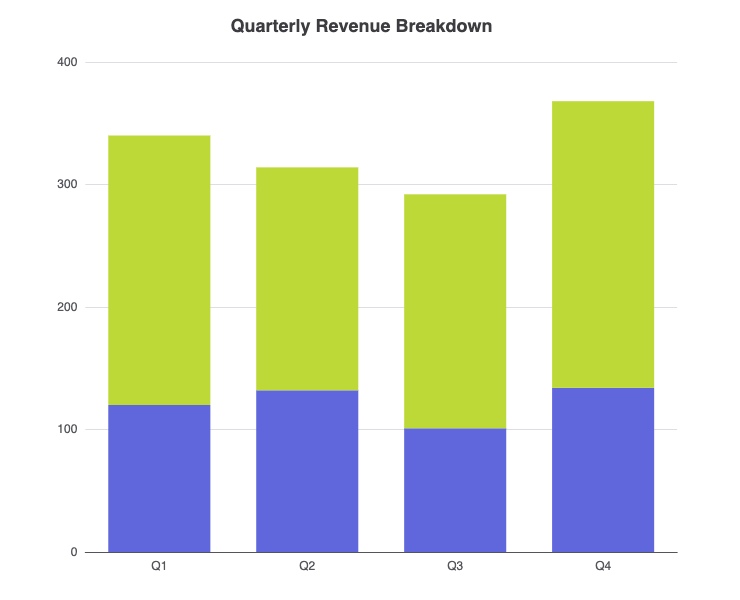
It is highly popular for technical documentation sites, wikis, and markdown files. Mermaid.js makes it easy for anyone to quickly sketch out system architectures, project timelines, flowcharts, and development git branches using straightforward text commands that render instantly on the screen.

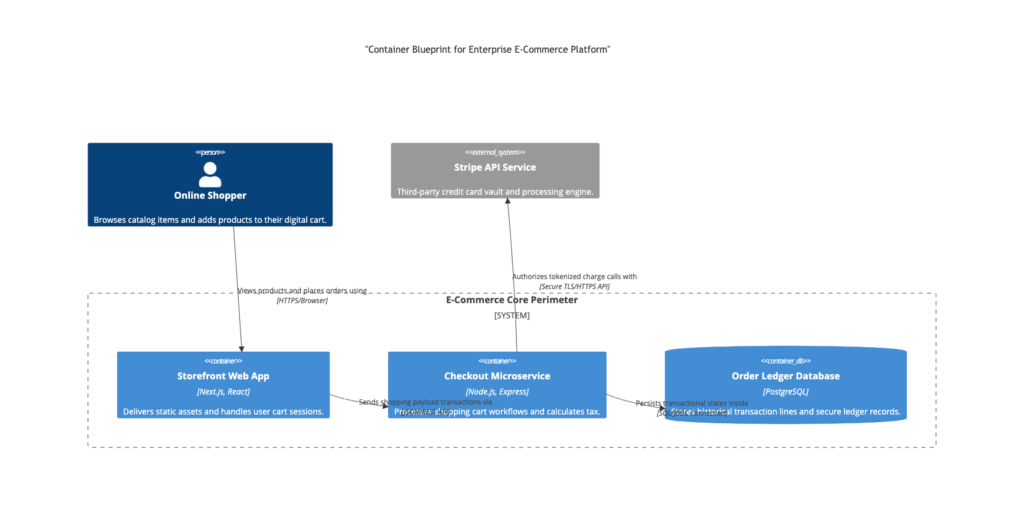
What is Graphviz?

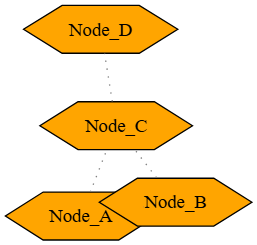
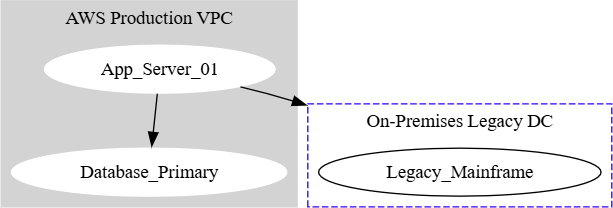
Graphviz (short for Graph Visualization Software) is a powerful, veteran open-source tool designed to automatically layout structural information represented as diagrams of abstract graphs and networks. It uses a straightforward scripting language called the DOT language to handle the layout math for you.

It is best suited for mapping out highly complex networks, massive data structures, web site maps, and automated dependency trees. Instead of organizing blocks manually, you simply feed Graphviz a list of items and their connections, and its advanced layout algorithms instantly figure out the neatest way to arrange them without overlapping lines.

Scroll to Top