


Basic Syntax Structure
Every user journey starts with thejourney declaration, followed by a title and sequential sections that break down the user experience.
Mermaid
Edit Mermaid in VPasCode
journey
title Sample User Journey
section Stage Name
  Task Name: Score: Actor1, Actor2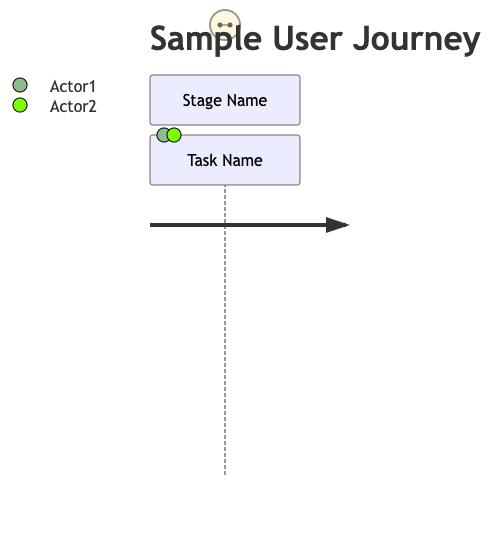
Syntax Reference
The table below breaks down the primary elements used to construct a user journey map in Mermaid.js.| Component | Description | Syntax Example |
|---|---|---|
| Declaration | Initializes the user journey diagram renderer. | journey |
| Title | Defines the main heading or user goal at the top of the map. | title Login Workflow |
| Section | Represents a high-level phase or stage of the user journey. | section Discovery Phase |
| Task | A specific action taken by the user within a section. | Browse documentation |
| Satisfaction Score | An integer from 1 to 5 mapping user delight or friction. | : 4 : (4 out of 5) |
| Actors | Commas-separated list of roles involved in completing the task. | User, System |
Real-World Blueprint: E-Commerce Checkout Experience
This blueprint showcases a complete user journey tracking a customer’s experience purchasing an item online, tracking emotional pain points (low scores) and moments of delight (high scores).
Mermaid
Edit Mermaid in VPasCode
journey
title Online Purchase Journey
section Product Discovery
  Search for item: 4: User
  Compare pricing: 3: User
  View product images: 5: User
section Checkout Funnel
  Add item to cart: 4: User
  Create an account: 2: User, System
  Enter shipping details: 3: User
  Process credit card: 1: User, Payment Gateway
section Post-Purchase
  Receive email confirmation: 5: System
  Track package delivery: 4: User, Logistics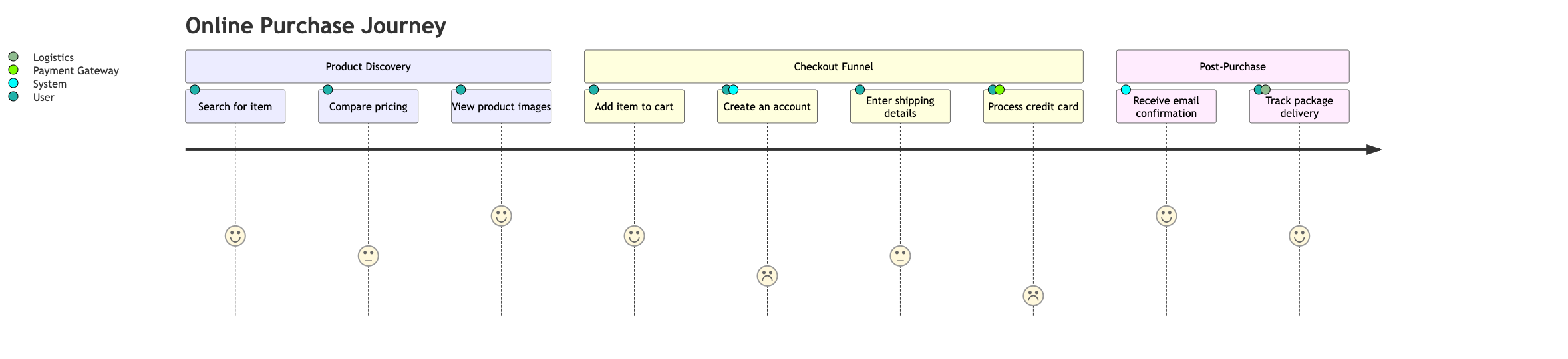
Syntax Tip: Satisfaction scores are automatically color-coded by the renderer. A score of 1 or 2 highlights operational friction (red/orange), a score of 3 is neutral (yellow), and scores of 4 or 5 represent smooth, successful interactions (green).
Advanced Concept: Multi-Actor Journeys
In complex workflows, tasks are rarely completed by a single person. Mermaid allows you to assign multiple actors to a single task by separating their names with commas. This is helpful for showing where a customer interaction requires backend support or automation from a system.
Mermaid
Edit Mermaid in VPasCode
journey
title Multi-Actor Support Example
section Customer Support Case
  Submit trouble ticket: 3: Customer
  Assign ticket to agent: 4: System, Support Admin
  Investigate technical bug: 2: Developer, QA Tester
  Resolve issue and notify: 5: Support Admin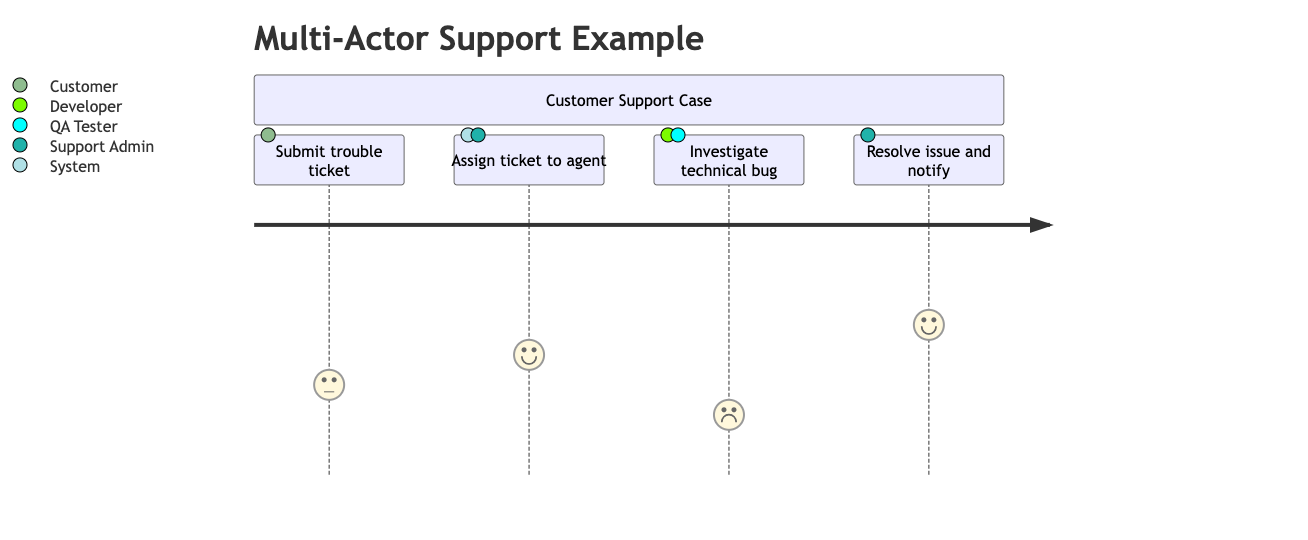
Common Syntax Pitfalls
When writing user journey maps, small formatting mistakes can cause the rendering engine to throw an error. Keep these three formatting rules in mind to ensure your diagram builds correctly:- The Double Colon Rule: Every task line must follow the exact structure of
Task Description: Score: Actor. Forgetting the second colon before the actor list is the most common reason a journey diagram fails to load. - Score Range Restrictions: Satisfaction scores must be an integer between 1 and 5. Passing a score of 0 or a number higher than 5 will break the layout parameters.
- Indentation: While Mermaid is flexible with spaces, keeping your tasks indented under their respective sections makes your raw text files much easier to read and maintain as your product features scale.