Can I Export PlantUML Diagrams? Complete Formats & Methods Guide

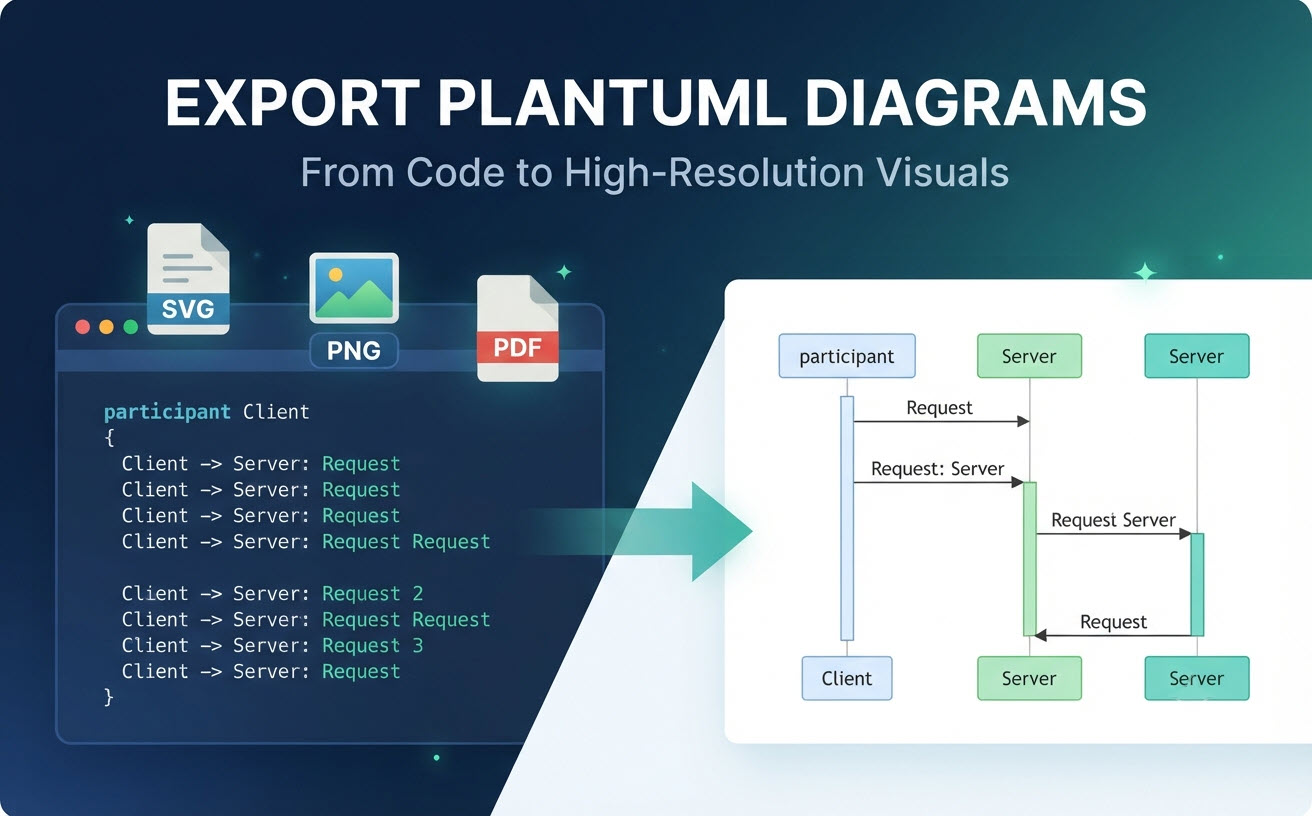
Hero banner illustrating how PlantUML code scripts are exported into SVG, PNG, and PDF formats as high-resolution visual diagrams.

Yes, you can easily export PlantUML diagrams into a variety of standard image and document formats. Whether you are generating architecture blueprints, sequence charts, or use-case models using Diagram as Code, getting your visuals out of text scripts and into presentations or documentation is a standard workflow. However, dealing with local Java dependencies, Graphviz configurations, and command-line tools can create unnecessary friction. This guide covers everything you need to know about export formats, traditional limitations, and how modern online tools like a dedicated PlantUML Editor streamline the entire process.

Understanding PlantUML Export Capabilities

Exporting PlantUML scripts involves transforming plain-text definitions into structured graphical layouts that can be embedded into external applications, wikis, or reports.

Native Export Formats (SVG, PNG, and PDF)

PlantUML natively supports multiple rendering and export output formats to fit different professional requirements:

  • SVG (Scalable Vector Graphics): Ideal for web publishing and high-zoom technical documentation because vectors scale infinitely without losing resolution.
  • PNG (Portable Network Graphics): A standard raster image format widely compatible with chat applications, standard office documents, and Markdown readmes.
  • PDF / EPS: Frequently utilized for print layouts, academic papers, and formal architectural specification books.

Limitations of Traditional Export Workflows

While native PlantUML command-line tools and local IDE plugins can export these formats, they often suffer from setup barriers:

  • Environment Dependency: Local generation usually requires maintaining a working Java runtime and installing Graphviz binaries.
  • Version Discrepancies: Local plugin updates can break rendering consistency across team members.
  • Lack of Instant Feedback: Troubleshooting syntax errors during export requires constant jumping back and forth between raw text terminals and rendered previews.

How to Export PlantUML Diagrams Using Modern Code Editors

Modern browser-based diagram-as-code platforms eliminate local environment setup, allowing teams to paste code, preview changes instantly, and export outputs with a single click.

Step-by-Step Export Process in Visual Paradigm VPasCode

Using a streamlined platform like Visual Paradigm VPasCode bypasses configuration hassles entirely. Here is how you can instantly render and export your files:

  1. Navigate to the free online VPasCode editor.
  2. Paste your raw PlantUML code into the editor. The platform features automatic format detection, meaning you do not need to manually select your language syntax.
  3. View your diagram update instantly via the real-time preview engine.
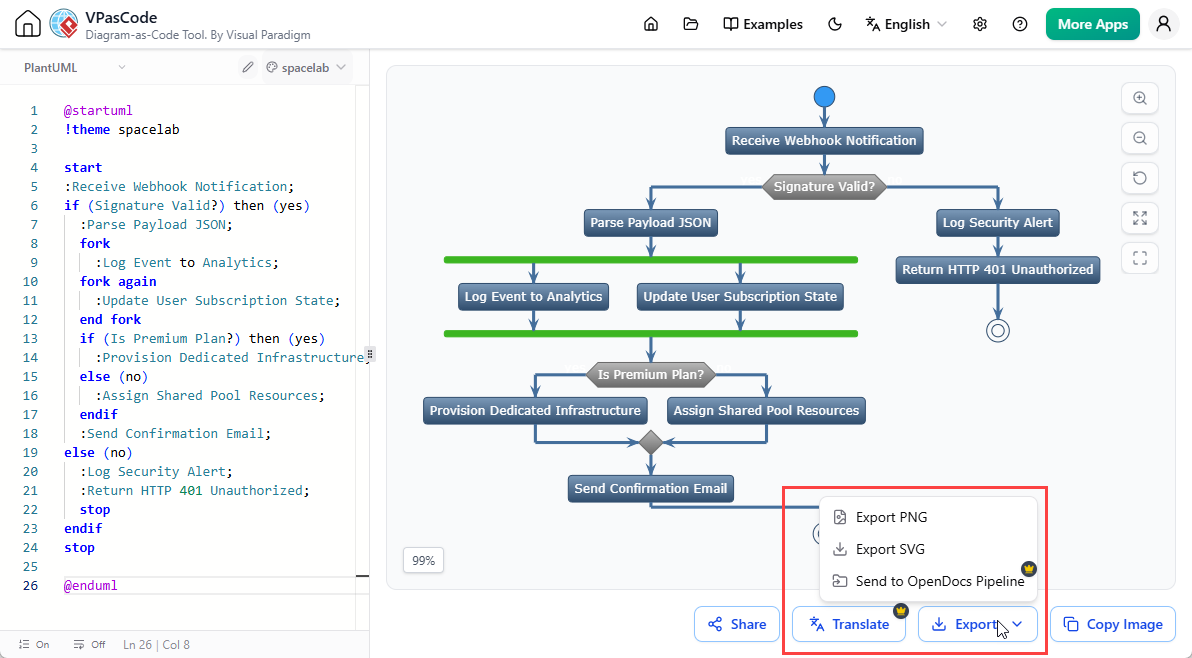
  4. Click the export option to instantly download your clean diagram as a scalable vector SVG or a high-resolution PNG image.

    To export diagram images from PlantUML editing in VPasCode

Automating and Sharing Exports via URLs and QR Codes

Beyond traditional file downloads, modern web editors let you share visual states instantly without exporting static files. VPasCode allows you to generate direct shareable URLs and dynamic QR codes, allowing stakeholders to view or fork diagrams instantly via web browsers or mobile devices.

Advanced Export and Documentation Workflows

Professional documentation pipelines demand more than just quick image downloads; they require layout crispness and tight integration with technical writing platforms.

Maintaining High Resolution for Presentations and Print

When incorporating diagrams into executive slide decks or marketing brochures, pixelation ruins professionalism. Sticking to vector-based SVG exports ensures that lines, text labels, and connection points remain razor-sharp regardless of display scaling or print sizing.

Embedding Diagrams into Technical Documentation with OpenDocs

For engineering teams scaling their documentation efforts, moving files manually from a renderer into a wiki creates administrative overhead. Premium features within Visual Paradigm allow teams to send rendered code diagrams straight into Visual Paradigm OpenDocs, building cohesive, living technical manuals directly from your codebase.

Export Need Traditional CLI Method Visual Paradigm VPasCode Method
Setup Requirement Requires local Java and Graphviz installation Zero installation; fully browser-based
Format Support Configurable via command flags Automatic detection for PlantUML, Mermaid, D2, and more
Sharing Manual file transfer via email or shared drive Instant shareable links and QR codes
Documentation Pipeline Manual export and file embedding Direct integration with OpenDocs
滚动至顶部