


PlantUML ist 100 % kostenlose Open-Source-Softwareunter mehreren flexiblen Lizenzen. Während das Herunterladen der Engine jedoch nichts kostet, entstehen beim lokalen Betrieb oder beim Selbsthosten eines Servers versteckte Mehrkosten für Installationsabhängigkeiten, Serverwartung und Rendering-Leistung. Die Verwendung eines kostenlosen PlantUML-Editorsoder eines modernen kostenlosen Diagramm-as-Code-Editorsin der Cloud bietet Entwicklern und Architektenteams oft einen schnelleren, wartungsfreien Weg.
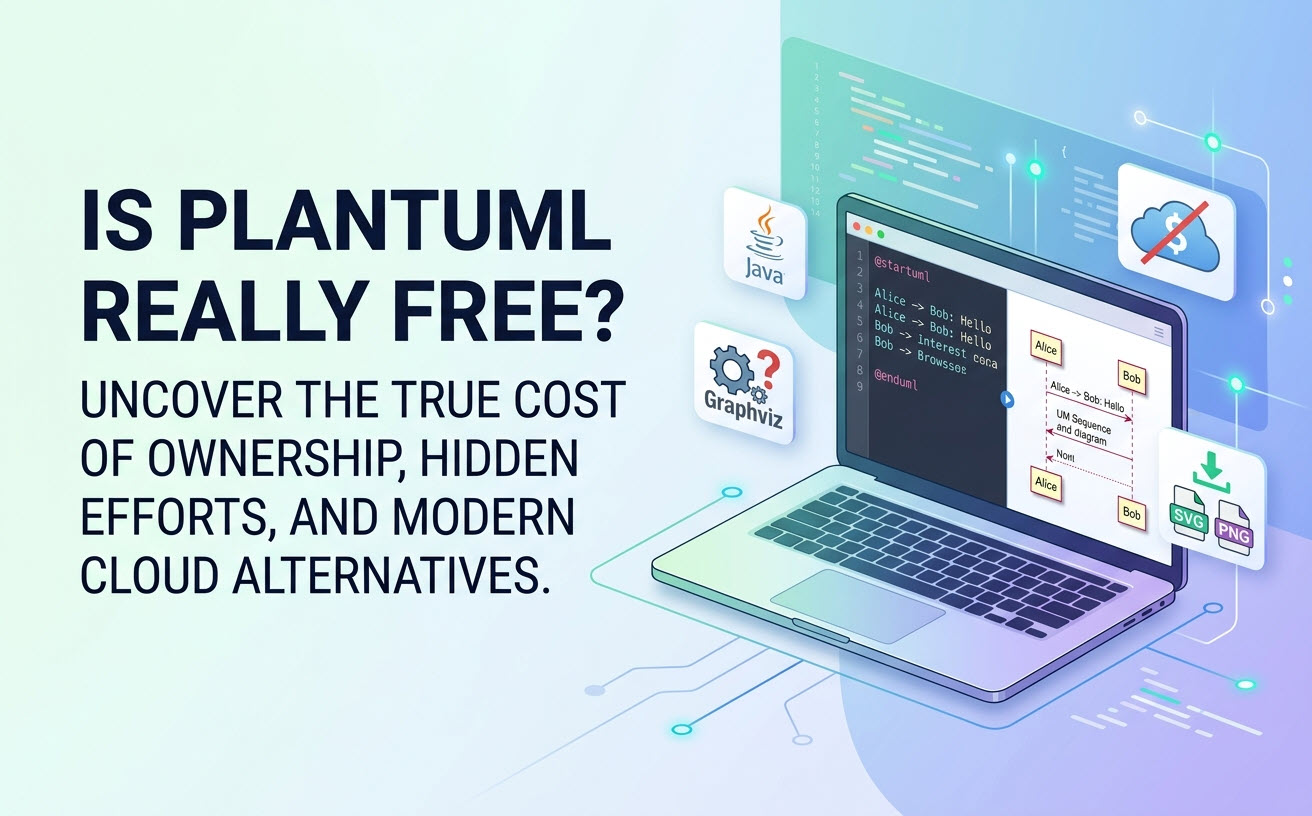
Die kurze Antwort: Ist PlantUML vollständig kostenlos nutzbar?
Ja, PlantUML ist vollständig kostenlos herunterladbar, ausführbar und in kommerzielle oder private Projekte integrierbar.Es fallen keine Lizenzgebühren, Abostufen oder Nutzungsgrenzen durch die Open-Source-Kern-Engine an.
PlantUML-Lizenzierung erklärt (GPL, LGPL, Apache & EPL)
PlantUML wird im Rahmen eines Multi-Lizenzierungsmodells verbreitet, um unterschiedlichen rechtlichen und unternehmensspezifischen Anforderungen gerecht zu werden. Sie können die Lizenz wählen, die am besten zu Ihren organisatorischen Richtlinien passt:
- GPL (General Public License):eine Standard-Copyleft-Open-Source-Lizenz.
- LGPL (Lesser General Public License):ermöglicht die Integration in proprietäre Software, ohne dass der gesamte Codebase offengelegt werden muss.
- Apache License 2.0 & EPL (Eclipse Public License):flexible Lizenzen, die von kommerziellen Organisationen und Enterprise-Teams bevorzugt werden.
Was ist in der kostenlosen Version enthalten im Vergleich zum selbst gehosteten Server?
Der Standard-Download bietet die vollständige PlantUML-Rendering-Engine. Sie unterstützt Sequenz-, Klassen-, Aktivitäts-, Anwendungsfall-, Komponenten-, ArchiMate- und C4-Diagramme ohne Feature-Paywalls. Die kostenlose Open-Source-Engine verarbeitet jedoch nur Textskripte in Bilder – sie bietet standardmäßig keine interaktive Web-Oberfläche, keinen kollaborativen Arbeitsbereich oder eine verwaltete Cloud-Umgebung.
Die versteckten Kosten von „Kostenlos”: Lokale Einrichtung vs. Server-Infrastruktur”
Während die Softwarelizenz kostenlos ist, umfasst die Gesamtbetriebskosten die Zeit für die technische Einrichtung, die lokale Systemkonfiguration und die laufende Serverwartung.
Lokale Einrichtung von PlantUML: Java, Graphviz und IDE-Abhängigkeiten
Um PlantUML auf einem lokalen Desktop auszuführen, müssen Entwickler mehrere Installationshürden überwinden:
- Java Runtime Environment (JRE):PlantUML basiert auf Java und erfordert eine aktive, aktualisierte Java-Installation auf der Maschine jedes Teammitglieds.
- Graphviz-Installation:Für Strukturdiagramme (wie Klassen-, Zustands- und Bereitstellungsdiagramme) ist PlantUML auf
DOTLayout-Engines angewiesen, die von Graphviz bereitgestellt werden. Die Konfiguration von Systemumgebungsvariablen für Graphviz führt bei neuen Benutzern häufig zu Konfigurationsfehlern. - IDE-Plugins:Das Verwalten separater Erweiterungen in VS Code, JetBrains oder Eclipse erfordert kontinuierliche Wartung und Plugin-Aktualisierungen.
Eigenes Hosting eines PlantUML-Servers: Performance- und Sicherheitskosten
Teams, die einen zentralen PlantUML-Server hosten möchten, sehen sich fortlaufenden Wartungslasten gegenüber:
- Ressourcenmanagement:Das Rendern komplexer Vektorbilder verbraucht während Spitzenzeiten erhebliche CPU- und Speicherressourcen.
- Sicherheits-Patches:IT-Teams müssen regelmäßig die Java-Laufzeitumgebung, Graphviz-Bibliotheken und Webanwendungsserver aktualisieren, um Sicherheitslücken zu schließen.
Schmerzfreies PlantUML: PlantUML in der Cloud ohne Einrichtung betreiben
Sie können komplexe Installationsverfahren überspringen, indem Sie browserbasierte Cloud-Editoren nutzen, die Diagramm-als-Code-Skripte sofort verarbeiten.
Reibungsloses Diagrammieren mit VPasCode
Visual Paradigm VPasCode ist ein leistungsstarkes,kostenloses UML-Tool und eine Online-Plattform für Diagramm-als-Code. Es eliminiert lokale Systemkonfigurationen und erfordert keine Java-Einrichtung oder Graphviz-Installation. Entwickler können Diagramme direkt in jedem modernen Webbrowser schreiben, bearbeiten und teilen.
Wichtige kostenlose Funktionen von VPasCode
- Automatische Formaterkennung:Fügen Sie rohen PlantUML-, Mermaid- oder Graphviz-Code direkt in den Editor ein. VPasCode erkennt die Sprache automatisch und rendert sie sofort – es sind keine manuellen Dropdown-Auswahlen erforderlich.
- Echtzeit-Vorschau:Visuelle Darstellungen aktualisieren sich sofort in Echtzeit, während Sie Code schreiben oder aktualisieren.
- Flexible Exporte in hoher Auflösung:Exportieren Sie saubere, skalierbare SVG-Vektorgrafiken oder hochauflösende PNG-Bilder für technische Dokumentation und Präsentationen.
- Nahtloses Teilen:Generieren Sie sofort teilbare Web-URLs oder QR-Codes, um in Team-Kanälen zusammenzuarbeiten.
Mehr als kostenlos: PlantUML mit nativer KI-Unterstützung aufwerten
Syntaxfehler in langen PlantUML-Skripten führen häufig zu Engpässen. Moderne Cloud-Editoren optimieren sowohl die Erstellung als auch das Debugging mit intelligenten KI-Tools.
Von Text zu Visualisierungen: Native KI-Diagrammerstellung und -Modifikation
Anstatt von einer leeren Leinwand zu beginnen, bietet VPasCode integrierte KI-Funktionen direkt in der Benutzeroberfläche der Anwendung. Sie können KI-Diagrammerstellung und interaktive Code-Modifikation durchführen, indem Sie natürliche Sprachbefehle eingeben – z. B. das Eingeben von “Erstellen Sie ein Use-Case-Diagramm in PlantUML für ein Geldautomatensystem”—wodurch Sie Diagramme nativ in Sekundenschnelle erstellen und refaktorisieren können. (Hinweis: Erweiterte KI-Funktionen zur Diagrammerstellung, -bearbeitung und -fehlerbehebung sind in der Visual Paradigm Online Deluxe Edition bzw. der Visual Paradigm Desktop Professional Edition+ verfügbar).
Sofortige Syntaxfehlerkorrektur: Reparatur defekter Code mit KI
Wenn Syntaxfehler ein Diagramm beschädigen, bietet VPasCode eine integrierte “Fixieren durch KI”Funktion. Die KI identifiziert automatisch Formatierungsprobleme, repariert den Code und zeigt einen nebeneinanderliegenden Code-Diff mit klaren Erklärungen an, damit Sie Syntax schneller erlernen und eine hohe Entwicklergeschwindigkeit aufrechterhalten können.
Dokumentation & globale Teamzusammenarbeit
Für grenzüberschreitende Teams und Unternehmensdokumentationsworkflows bietet VPasCode:
- Native KI-Übersetzung:Übersetzen Sie Diagrammetiketten und Text direkt im Code-Editor in mehreren Sprachen mit einem einzigen Klick.
- OpenDocs-Integration:Übertragen Sie Diagramme nahtlos in Visual Paradigm OpenDocs, um umfassende technische Dokumentationssysteme zu erstellen.
Vergleich von PlantUML-Optionen: Selbst gehostet vs. kostenlose Cloud-Editoren
| Funktion / Fähigkeit | Lokale PlantUML-Engine | Selbst gehosteter PlantUML-Server | Visual Paradigm VPasCode |
|---|---|---|---|
| Lizenz / Softwarekosten | Kostenlos (GPL/LGPL/Apache) | Kostenlose Engine (Serverkosten anwendbar) | Kostenloser Zugriff (Optionale Premium-KI-Upgrades) |
| Einrichtungserfordernis | Erfordert Java + Graphviz | Erfordert Server-Admin + Java | Keine Einrichtung (100% webbasiert) |
| Automatische Spracherkennung | Nein | Nein | Ja (PlantUML, Mermaid, Graphviz usw.) |
| Native KI-Generierung & -Modifikation | Nein | Nein | Ja (Prompt-gesteuerte Erstellung & Code-Refactoring) |
| KI-Syntax-Debugging | Nein | Nein | Ja („Fix by AI“ & Diff-Ansichten) |
| Exportoptionen | Abhängig von der Befehlszeile / IDE | PNG / SVG über API | Sofortiges Teilen von SVG, PNG & QR-Codes |
Häufig gestellte Fragen (FAQ)
Kann ich PlantUML kommerziell ohne Zahlung nutzen?
Ja. Da PlantUML Lizenzoptionen nach Apache 2.0, EPL und LGPL bietet, können kommerzielle Organisationen Diagramme für interne oder kundenseitige Projekte legal erstellen, rendern und veröffentlichen, ohne Lizenzgebühren zu zahlen.
Muss ich Graphviz installieren, um PlantUML zu verwenden?
Wenn Sie PlantUML lokal auf Ihrem Desktop-Computer ausführen, ist Graphviz für das Rendern von Strukturdiagrammen wie Klassen- oder Aktivitätsdiagrammen zwingend erforderlich. Wenn Sie jedoch ein browserbasiertes Tool wie VPasCodeist keine lokale Installation von Graphviz oder Java erforderlich.
Wie behandelt VPasCode die Privatsphäre von PlantUML-Code und Exporte?
VPasCode verarbeitet Ihre Diagramm-als-Code-Skripte sicher und gibt Ihnen die vollständige Freiheit, hochauflösende PNG- oder Vektor-SVG-Dateien lokal herunterzuladen oder teilbare URLs für die Echtzeit-Zusammenarbeit mit Teammitgliedern zu generieren.