


PlantUML — это 100% бесплатное программное обеспечение с открытым исходным кодомпод несколькими гибкими лицензиями. Однако, хотя загрузка самого движка ничего не стоит, его запуск локально или самостоятельная хостинг-серверная инфраструктура создают скрытые издержки в виде зависимостей при установке, обслуживания сервера и производительности рендеринга. Использование бесплатного редактора PlantUML или современного редактора диаграмм как кодав облаке часто обеспечивает более быстрый и не требующий обслуживания путь для разработчиков и архитектурных команд.
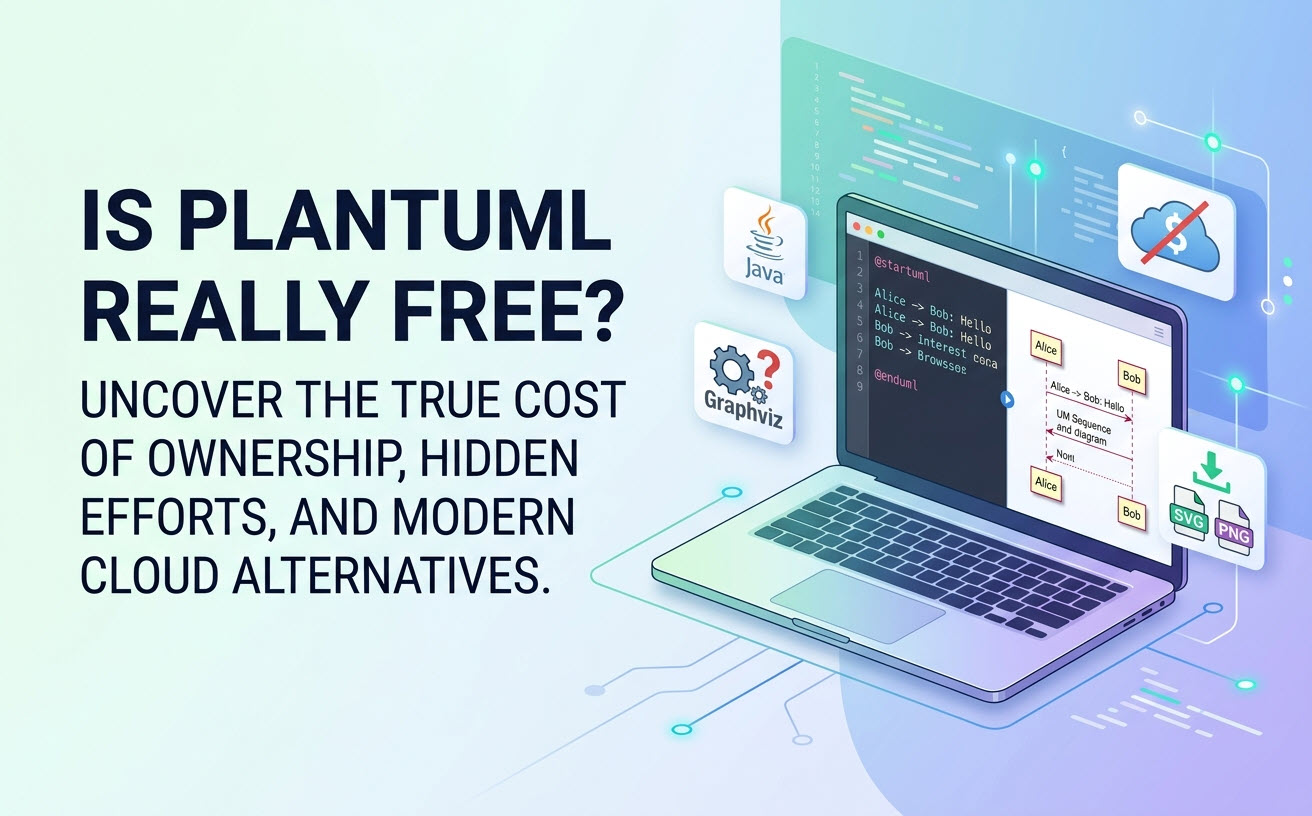
Краткий ответ: полностью ли бесплатен PlantUML для использования?
Да, PlantUML полностью бесплатен для загрузки, запуска и интеграции в коммерческие или личные проекты.Ядро с открытым исходным кодом не накладывает никаких лицензионных сборов, тарифных планов подписки или ограничений по использованию.
Объяснение лицензирования PlantUML (GPL, LGPL, Apache и EPL)
PlantUML распространяется по модели многолицензирования для удовлетворения разнообразных юридических и корпоративных требований. Вы можете выбрать лицензию, которая лучше всего соответствует политикам вашей организации:
- GPL (Общественная лицензия):стандартная лицензия с открытым исходным кодом, основанная на принципе copyleft.
- LGPL (Менее строгая общественная лицензия):позволяет интегрировать код в проприетарное программное обеспечение, не требуя раскрытия всего вашего кода как открытого.
- Лицензия Apache 2.0 и EPL (Общественная лицензия Eclipse):гибкие лицензии, предпочитаемые коммерческими организациями и корпоративными командами.
Что включено в бесплатную версию по сравнению с самостоятельным хостингом сервера
Стандартная загрузка предоставляет полный движок рендеринга PlantUML. Она включает поддержку диаграмм последовательности, классов, деятельности, вариантов использования, компонентов, ArchiMate и C4 без платных функций. Однако бесплатный движок с открытым исходным кодом преобразует только текстовые скрипты в изображения — он не предоставляет интерактивный веб-интерфейс, рабочее пространство для совместной работы или управляемую облачную среду из коробки.
Скрытые издержки «бесплатного»: локальная настройка против серверной инфраструктуры
Хотя лицензия на программное обеспечение бесплатна, общая стоимость владения включает время на техническую настройку, локальную конфигурацию системы и постоянное обслуживание сервера.
Настройка PlantUML локально: зависимости Java, Graphviz и IDE
Для запуска PlantUML на локальном рабочем столе разработчикам необходимо преодолеть несколько препятствий при установке:
- Среда выполнения Java (JRE):PlantUML построен на Java, что требует наличия активной и обновленной установки Java на компьютере каждого участника команды.
- Установка Graphviz:Для структурных диаграмм (таких как диаграммы классов, состояний и развертывания) PlantUML опирается на
DOTдвижки компоновки, предоставляемые Graphviz. Настройка системных переменных окружения для Graphviz часто вызывает ошибки конфигурации у новых пользователей. - Плагины для IDE:Управление отдельными расширениями в VS Code, JetBrains или Eclipse требует постоянной поддержки и обновлений плагинов.
Собственный хостинг сервера PlantUML: накладные расходы на производительность и безопасность
Команды, пытающиеся развернуть централизованный сервер PlantUML, сталкиваются с постоянной необходимостью поддержки:
- Управление ресурсами:Рендеринг сложных векторных изображений потребляет значительные ресурсы процессора и памяти в периоды пиковой нагрузки.
- Устранение уязвимостей безопасности:Командам ИТ необходимо регулярно обновлять среду выполнения Java, библиотеки Graphviz и веб-серверы приложений для устранения уязвимостей безопасности.
PlantUML без хлопот: запуск PlantUML в облаке без настройки
Вы можете пропустить сложные процедуры установки, используя облачные редакторы на основе браузера, которые мгновенно обрабатывают скрипты диаграмм как код.
Создание диаграмм без препятствий с помощью VPasCode
Visual Paradigm VPasCode — это мощный,бесплатный инструмент UML и онлайн-платформа для создания диаграмм как код. Она устраняет необходимость в локальной настройке системы, не требуя установки Java или Graphviz. Разработчики могут писать, редактировать и обмениваться диаграммами непосредственно в любом современном веб-браузере.
Ключевые бесплатные возможности VPasCode
- Автоматическое определение формата:Вставьте исходный код PlantUML, Mermaid или Graphviz непосредственно в редактор. VPasCode автоматически определяет язык и мгновенно отображает диаграмму — ручное выборочное переключение не требуется.
- Предпросмотр в реальном времени:Визуализация обновляется мгновенно в реальном времени по мере написания или изменения кода.
- Гибкий экспорт в высоком разрешении:Экспортируйте чистые, масштабируемые векторные изображения в формате SVG или высококачественные PNG-изображения для технической документации и презентаций.
- Бесшовный обмен:Мгновенно создавайте общедоступные веб-ссылки или QR-коды для совместной работы в каналах команды.
За пределами бесплатного: усиление PlantUML с помощью встроенной искусственной интеллектуальной поддержки
Синтаксические ошибки в длинных скриптах PlantUML часто создают узкие места. Современные облачные редакторы упрощают как создание, так и отладку с помощью интеллектуальных инструментов на базе ИИ.
От текста к визуализации: встроенная генерация и модификация диаграмм с помощью ИИ
Вместо того чтобы начинать с пустого экрана, VPasCode предлагает встроенные возможности ИИ непосредственно в интерфейсе приложения. Вы можете выполнять генерацию диаграмм с помощью ИИ и интерактивную модификацию кода, вводя запросы на естественном языке — например, вводя «Создать диаграмму вариантов использования в PlantUML для системы банкомата»—позволяя вам создавать и рефакторить диаграммы нативно за считанные секунды.(Примечание: Расширенные функции генерации диаграмм с помощью ИИ, их модификации и исправления ошибок доступны в версии Visual Paradigm Online Deluxe Edition / Visual Paradigm Desktop Professional Edition+).
Мгновенное исправление синтаксических ошибок: восстановление сломанного кода с помощью ИИ
Когда синтаксические ошибки нарушают работу диаграммы, VPasCode предлагает интегрированную«Исправить с помощью ИИ»функцию. ИИ автоматически выявляет проблемы форматирования, исправляет код и представляет сравнение кода «рядом с рядом» с понятными пояснениями, чтобы вы могли быстрее освоить синтаксис и поддерживать высокую скорость разработки.
Документация и глобальное взаимодействие команд
Для трансграничных команд и корпоративных рабочих процессов документации VPasCode предлагает:
- Нативный перевод с помощью ИИ:Переводите метки диаграмм и текст непосредственно в редакторе кода на нескольких языках одним кликом.
- Интеграция с OpenDocs:Бесшовно переносите диаграммы в Visual Paradigm OpenDocs для создания комплексных систем технической документации.
Сравнение вариантов PlantUML: Самохостинг против бесплатных облачных редакторов
| Функция / Возможности | Локальный движок PlantUML | Самохостинг-сервер PlantUML | Visual Paradigm VPasCode |
|---|---|---|---|
| Лицензия / Стоимость ПО | Бесплатно (GPL/LGPL/Apache) | Бесплатный движок (применяются расходы на сервер) | Бесплатный доступ (опциональные премиум-обновления ИИ) |
| Требования к настройке | Требуется Java + Graphviz | Требуется администратор сервера + Java | Нулевая настройка (100% веб-решение) |
| Автоопределение языка | Нет | Нет | Да (PlantUML, Mermaid, Graphviz и др.) |
| Нативная генерация и модификация с помощью ИИ | Нет | Нет | Да (создание на основе промптов и рефакторинг кода) |
| Отладка синтаксиса с помощью ИИ | Нет | Нет | Да («Исправить с помощью ИИ» и просмотр различий) |
| Параметры экспорта | Зависит от командной строки / IDE | PNG / SVG через API | Мгновенный обмен SVG, PNG и QR-кодами |
Часто задаваемые вопросы (FAQ)
Могу ли я использовать PlantUML в коммерческих целях без оплаты?
Да. Поскольку PlantUML предлагает варианты лицензирования Apache 2.0, EPL и LGPL, коммерческие организации могут законно создавать, рендерить и публиковать диаграммы для внутренних проектов или проектов, ориентированных на клиентов, без выплаты лицензионных отчислений.
Нужно ли устанавливать Graphviz для использования PlantUML?
Если вы запускаете PlantUML локально на настольном компьютере, Graphviz обязателен для рендеринга структурных диаграмм, таких как диаграммы классов или деятельности. Однако если вы используете браузерный инструмент, такой как VPasCode, локальная установка Graphviz или Java не требуется.
Как VPasCode обеспечивает конфиденциальность кода PlantUML и экспорт?
VPasCode безопасно обрабатывает ваши скрипты диаграмм в виде кода, предоставляя вам полную свободу скачивать файлы PNG высокого разрешения или векторные SVG локально, а также генерировать общедоступные URL-адреса для совместной работы с коллегами в реальном времени.