


The Best Free
Online Markmap Editor
for Professional Diagramming
Transform your ideas, outlines, and notes into visual mind maps instantly. Visual Paradigm VPasCode provides a seamless online editing workspace designed to turn Markdown text into clean, interactive Markmap visualizations with the assistance of advanced AI. Whether you are mapping out project tasks, organizing study notes, or structuring business ideas, our text to diagram tool gives you the power to visualize complex information in seconds.
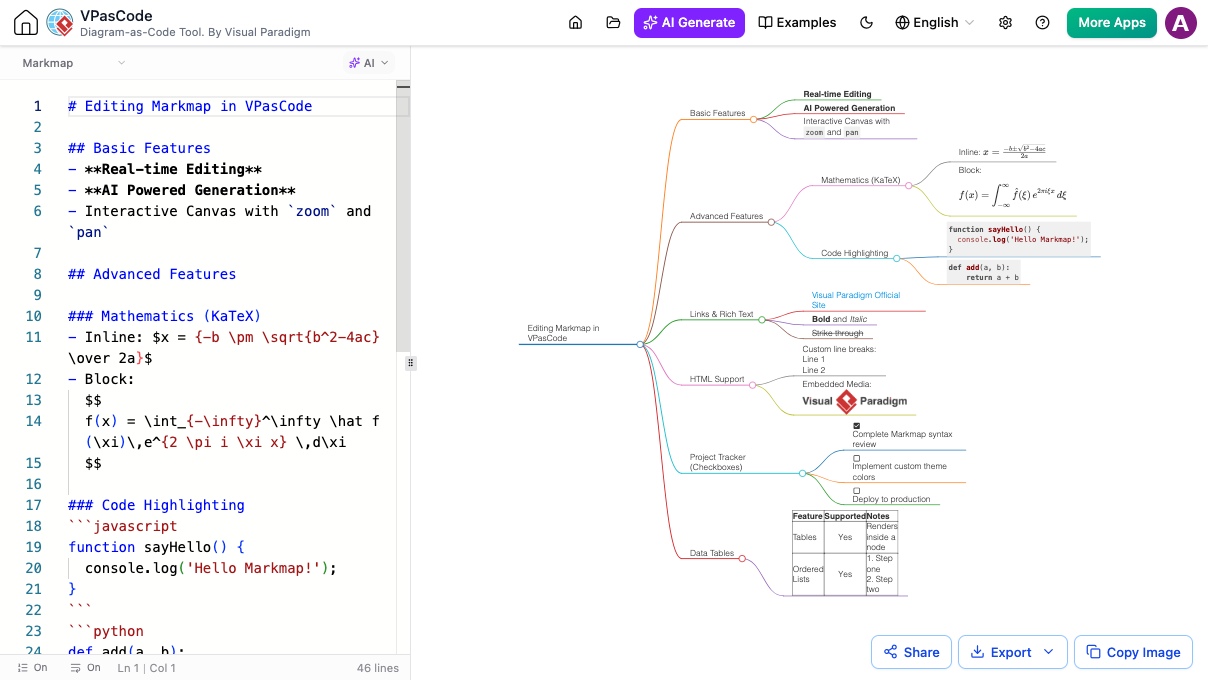
Why Visual Paradigm VPasCode is the Best Online Markmap Editor & AI Mind Map Tool

Instant AI Diagram Generation & AI Modifier
Stop wrestling with manual Markdown formatting or spending valuable time tweaking branches by hand. VPasCode delivers intuitive AI assistance directly inside your editing workspace to streamline visual creation:
-
AI Diagram Generation
Convert quick notes or high-level concepts into clean, polished mind maps in moments. Simply type a plain-language prompt (e.g., "Draft a study roadmap for learning web development covering front-end, back-end, and database basics"), and the AI builds the complete Markmap visualization right away.
-
AI Diagram Modifier
Refine your mind maps instantly without manually editing lines of text. Enter simple conversational instructions (e.g., "Expand the back-end branch to include Node.js and SQL, then highlight key frameworks"), and the AI updates your diagram structure in real time.
Comprehensive Markmap Template & Diagram Support
-
Editing Features & Basic Outlines
Turn everyday notes, task lists, and ideas into interactive visual trees.
-
Project Plans & Roadmaps
Organize project phases, milestones, team responsibilities, and launch steps.
-
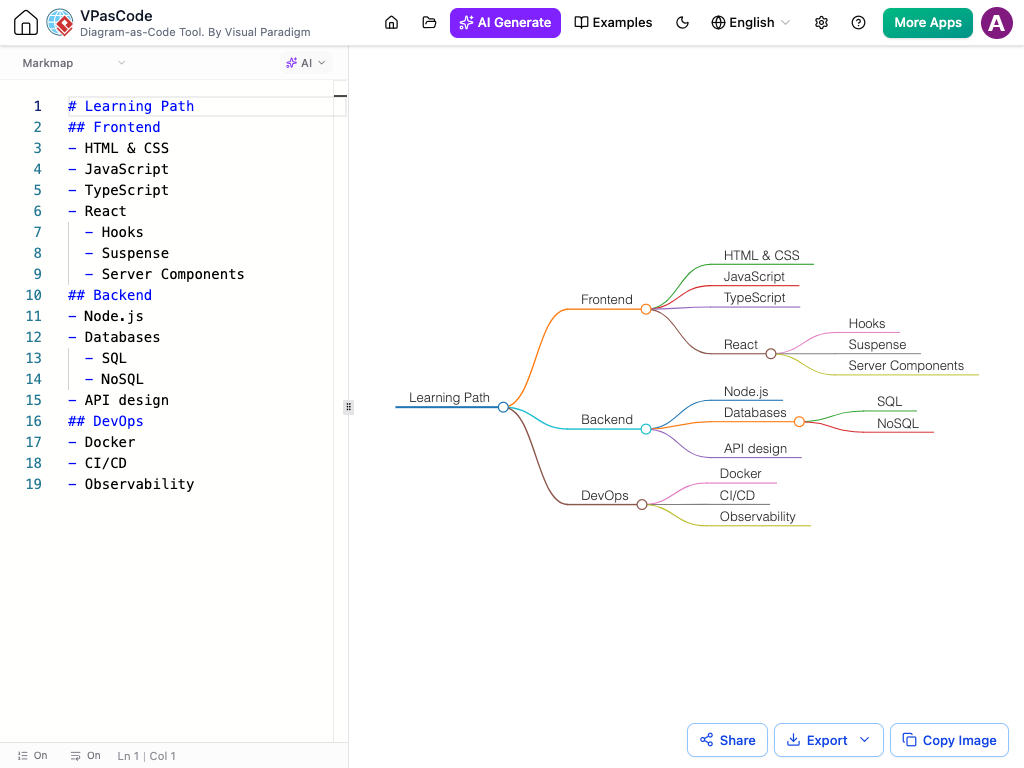
Study Notes & Learning Paths
Group concepts, topics, and subtopics for clear study materials.
-
Tech Stack & Architecture Diagrams
Outline application structures, tools, and developer workflows.
-
Org Structures & Decision Trees
Build organizational hierarchies and clear decision-making flows.
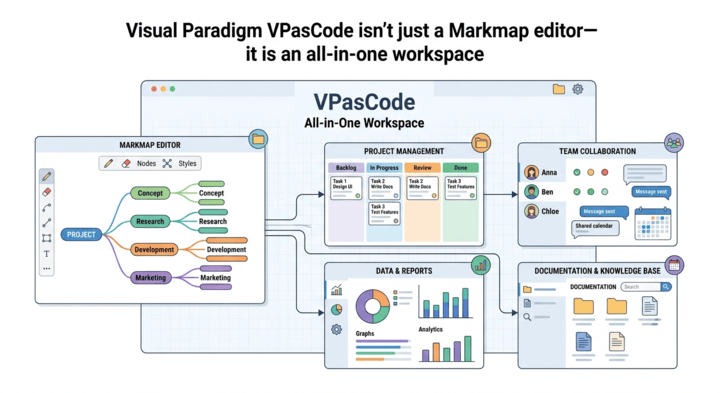
One-Stop Multi-Format Workspace
-
PlantUML
Quickly generate detailed software architecture, UML class, and sequence diagrams from plain text.
-
Mermaid
Turn simple text scripts into flowcharts, sequence diagrams, Gantt charts, and state diagrams instantly.
-
Graphviz / DOT
Map out complex networks, relational graphs, and flow structures with smart automatic layouts.
-
ECharts
Transform raw data into interactive, presentation-ready charts, graphs, and visual dashboards.
-
Data Visualizer
Automatically convert databases, API responses, and config files into visual schemas.
Frequently Asked Questions
Diagram-as-Code Editor
Start Creating Markmap
Mind Maps Now
No registration or installation required. Begin generating mind maps with simple AI prompts or writing Markdown text in seconds.