


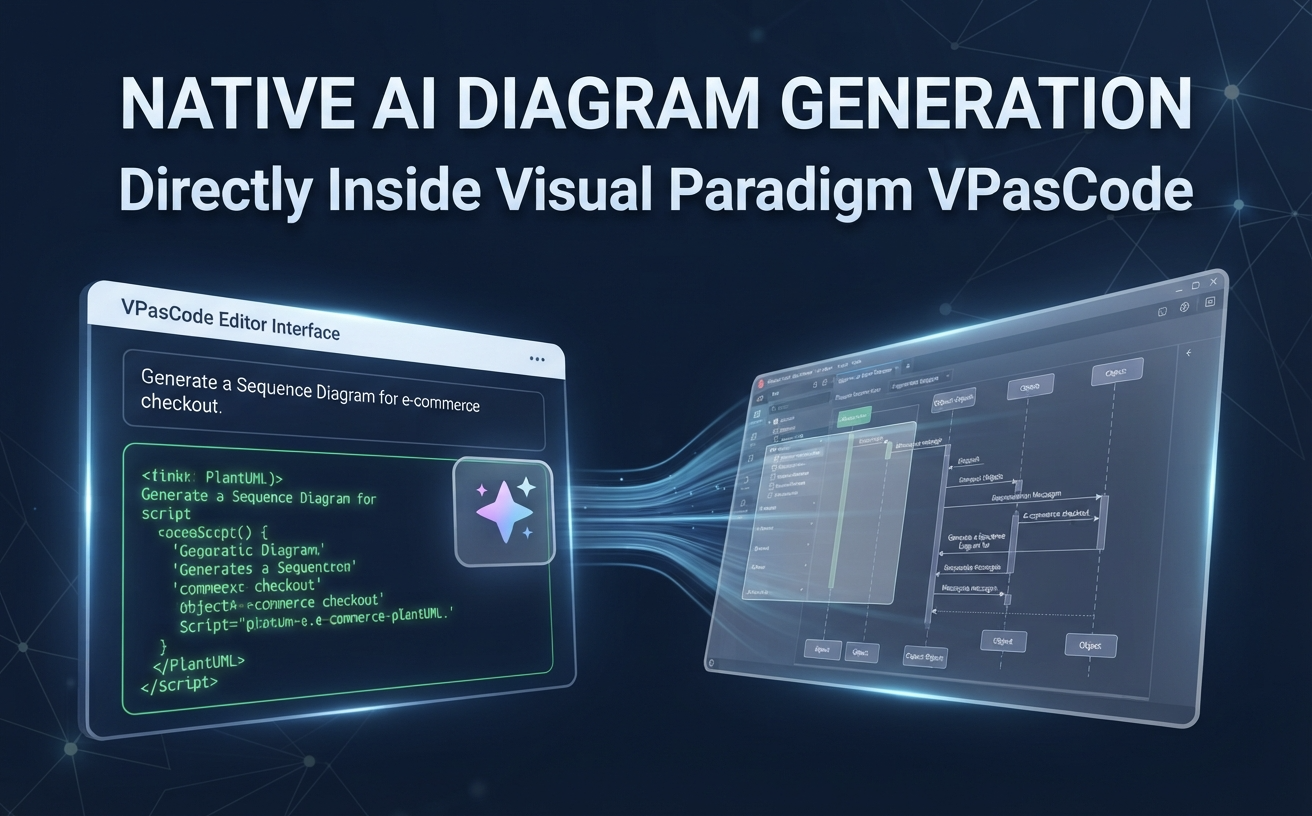
In the fast-paced world of software architecture and technical documentation, speed and precision are paramount. We are excited to announce a major enhancement to Visual Paradigm VPasCode: the launch of embedded native AI capabilities directly within the application interface.
VPasCode is now a full-featured AI diagram generation tool, allowing developers, architects, and technical teams to create professional-grade diagrams using natural language—without ever leaving their workspace.
What is New: Native AI Diagram Generation
Previously, users relied on our AI Diagramming Chatbot to conceptualize diagrams before importing them into VPasCode. While that integration remains a powerful part of the Visual Paradigm ecosystem, VPasCode now includes its own embedded AI engine.
By simply entering a prompt—such as “Generate a use case diagram in PlantUML for an ATM system”—VPasCode instantly creates the diagram natively.
Key Benefits of the New Embedded AI:
- Instant Generation: Skip the context-switching. You can now generate PlantUML, Mermaid, Graphviz, and other DSLs directly inside the editor.
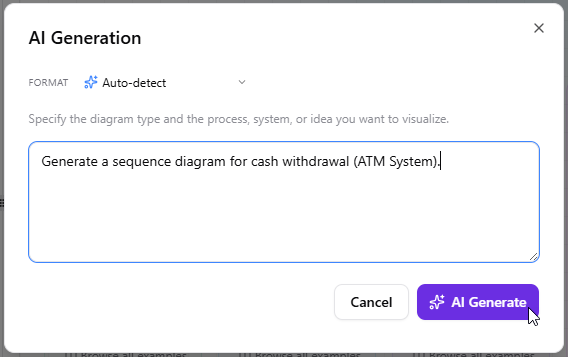
And here is a Sequence Diagram generated by AI, editable with Visual Paradigm VPasCode: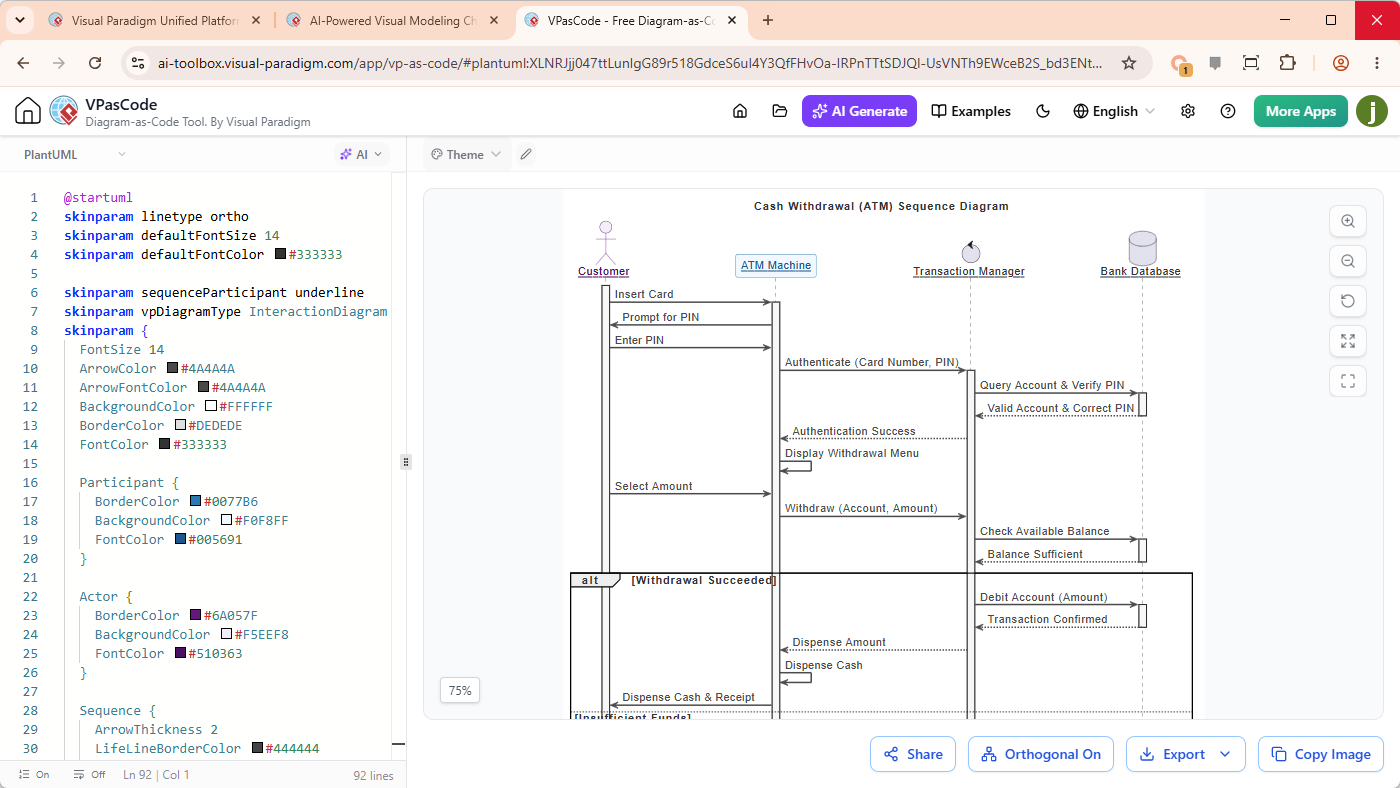
- AI-Powered Modification: Need to add a process branch or simplify a component? Use natural language to modify existing diagrams and inspect changes via side-by-side code diffs.
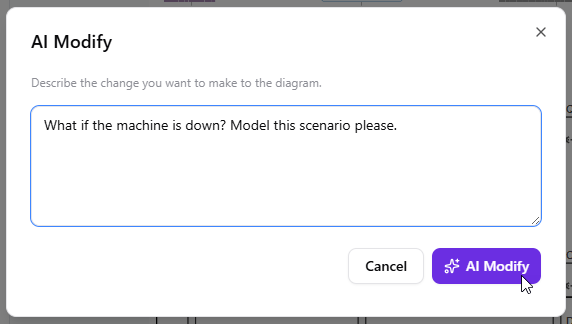
The diagram would be updated and you can check the diff visually.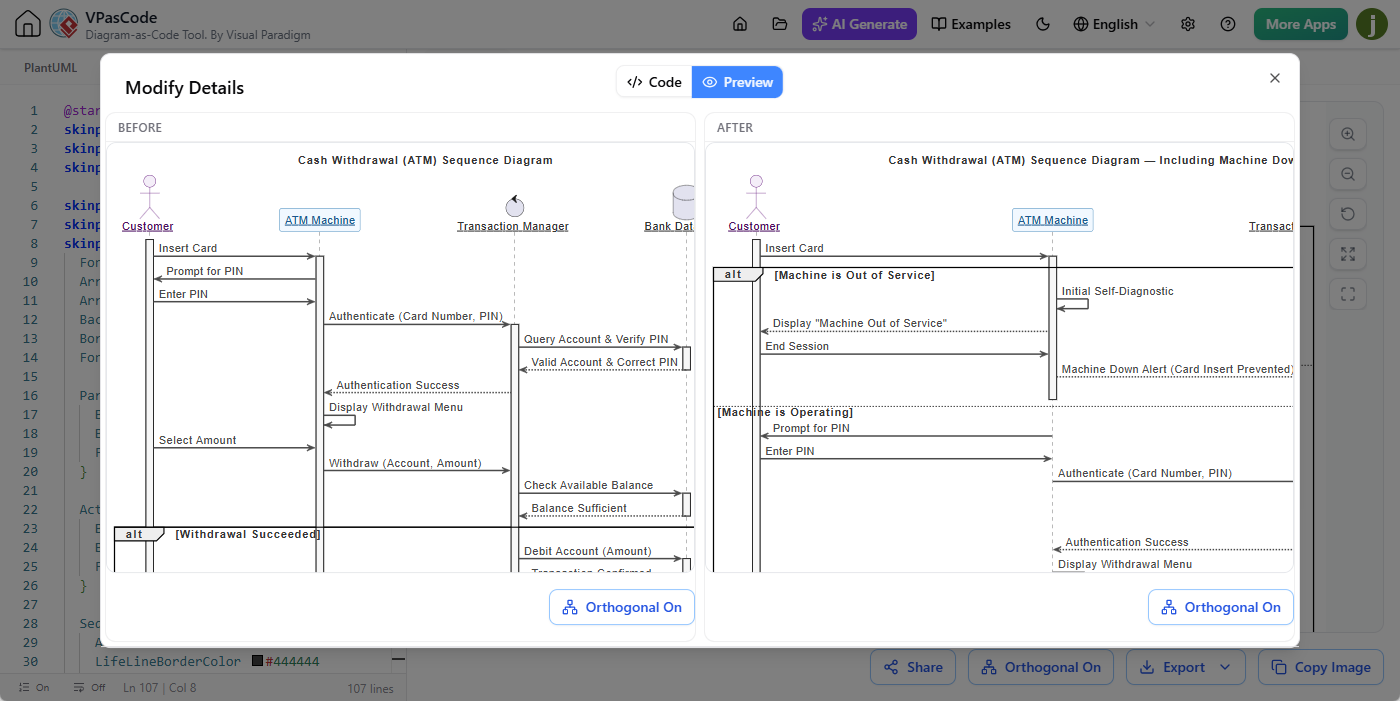
- Automated Error Fixing: Encountered a syntax error? Click “Fix by AI” to have the editor automatically resolve the issue with transparent, pedagogical explanations.
- Native Translation: Translate diagram labels into different languages instantly, keeping your documentation globally accessible.
VPasCode vs. AI Diagramming Chatbot: Choosing the Right Tool
With two AI-powered paths available, our users often ask which one to use. While VPasCode is your primary AI diagram generator for immediate, in-editor execution, the Visual Paradigm AI Diagramming Chatbot remains the ideal “command center” for broader tasks.
| Feature | VPasCode Embedded AI | Visual Paradigm AI Chatbot |
|---|---|---|
| Primary Use | Rapid diagram creation & editing | Complex brainstorming & multi-turn dialog |
| Workflow | In-editor, native generation | Conversational, extended context |
| Capabilities | Live preview, code diff, error fixing | Report generation, deep refinement |
Pro-tip: If you need to generate a quick technical report or conduct deep-dive conceptual brainstorming, start with the AI Chatbot. When you are ready to refine the diagram or integrate it into your documentation, simply open the result directly inside VPasCode.
Why This Matters for Your Documentation
As an AI diagram generation tool, VPasCode is designed to streamline the “Diagram-as-Code” movement. By enabling native AI generation, we are removing the friction between your intent and your visual output. Whether you are building architecture diagrams, sequence flows, or data models, you can now iterate faster than ever.
Get Started Today
Ready to experience the new native AI capabilities? Visit the Visual Paradigm VPasCode Editor to start your first prompt.
Frequently Asked Questions (FAQ)
Can VPasCode generate diagrams using AI without an external chatbot?
Yes. VPasCode now features embedded native AI capabilities that allow users to generate, modify, and fix diagrams directly through natural language prompts inside the editor interface.
What formats does this AI diagram generator support?
VPasCode supports a wide array of DSLs, including PlantUML, Mermaid, Graphviz, Markmap, and ECharts, all of which can be generated using native AI prompts.
How does the AI code modification feature work?
Users can provide natural language instructions to modify existing diagrams. VPasCode provides a side-by-side code diff and visual preview, allowing you to see exactly what the AI changed before you finalize the update.