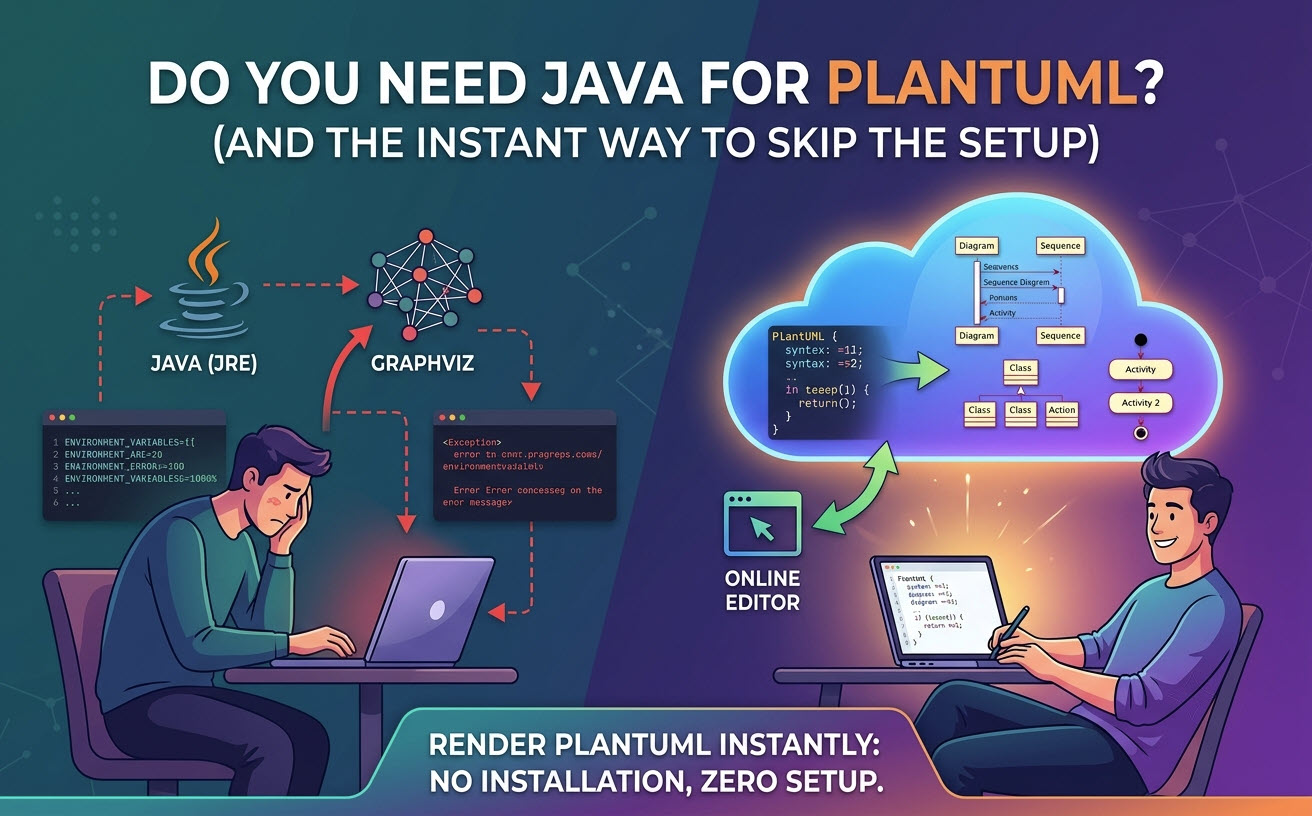
Direct Answer: Yes, you need Java to run PlantUML locally because its standalone engine is written in Java and compiled as a
.jar file. However, you
do not need Java if you render diagrams using an online
diagram as code editor like
Visual Paradigm VPasCode, which handles rendering in the cloud or browser without local installation.
1. The Short Answer: When Java Is (and Isn’t) Required
Whether Java is mandatory depends entirely on where and how your diagram scripts are processed:
- Local CLI / IDE Extensions (Java Required): If you run the PlantUML JAR file directly from your terminal or use local IDE plugins (like VS Code or JetBrains) that call a local Java process, Java (JRE/JDK) must be installed.
- Web & Cloud-Based Editors (No Java Required): If you use a browser-based free PlantUML editor, diagram rendering happens on remote servers or WebAssembly engines. You only need a modern browser.
1.1 Why PlantUML Traditionally Depends on Java & Graphviz
PlantUML relies on the Java Virtual Machine (JVM) to execute its core parsing logic. Additionally, for complex layouts like Sequence, Class, or Activity diagrams, PlantUML delegates the actual node positioning to
Graphviz (an open-source graph visualization software that provides the
dot executable).
1.2 The Local Setup Pain Points: Dependencies, Environment Paths, and Overhead
Running PlantUML on your local machine often introduces unexpected setup friction:
- JAVA_HOME Configuration: Mismatched JRE versions or missing environment path variables lead to execution errors.
- Missing Graphviz Dependencies: Users frequently install Java, run PlantUML, and hit the dreaded
Graphviz not found error message.
- Resource Overhead: Booting up a local JVM for simple diagram tweaks consumes unnecessary memory and CPU cycles.
2. Option A: Running PlantUML Locally (The Traditional Java Way)
If your project constraints require offline rendering, you must set up the local environment correctly.
2.1 Minimum Requirements: Java Runtime Environment (JRE) vs. JDK
You do not need the full Java Development Kit (JDK) unless you are compiling Java software. A standard
Java Runtime Environment (JRE) version 8 or higher is sufficient to execute the
plantuml.jar library.
2.2 Installing Graphviz for Complex Visual Layouts
To avoid layout rendering errors, install Graphviz alongside Java:
- macOS (Homebrew):
brew install graphviz
- Ubuntu/Debian:
sudo apt install graphviz
- Windows (Chocolatey):
choco install graphviz
3. Option B: How to Use PlantUML Without Installing Java or Graphviz
For developers who want to skip dependency management completely, cloud-native alternatives provide immediate productivity.
3.1 Instant Web-Based Rendering via VPasCode
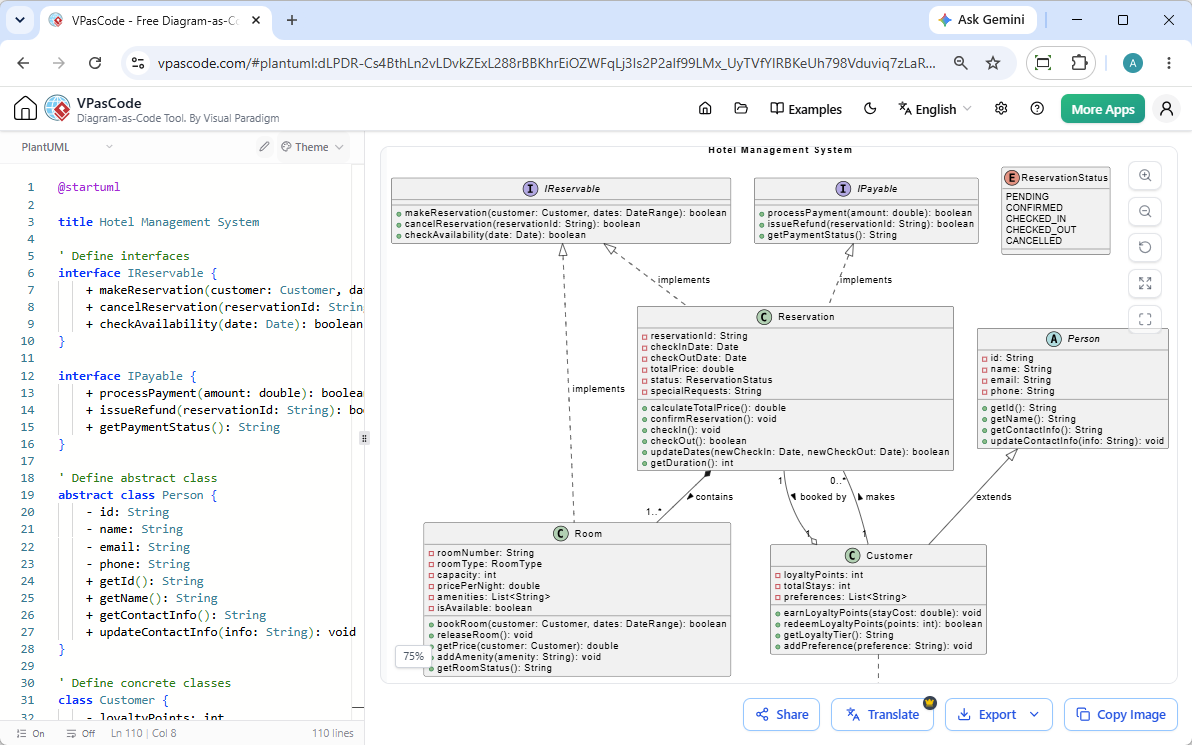
Visual Paradigm VPasCode is a unified, free online
PlantUML editor that allows you to write, preview, and export diagrams instantly without installing Java, Graphviz, or IDE extensions.
3.2 Key Advantages of Browser-Based Diagram-as-Code
Using a dedicated web platform streamlines your workflow through built-in conveniences:
- Automatic Format Detection: Paste raw script into the editor—VPasCode automatically detects whether it is PlantUML, Mermaid, D2, or Graphviz without manual language toggling.
- Real-Time Live Preview: Visuals render dynamically in real-time as you type your code.
- Zero System Friction: Save storage space and avoid system environment configuration entirely.
- Flexible Image Exports: Instantly export clean vector
.svg images or high-resolution .png files.
4. Unlocking Next-Gen PlantUML Workflows with VPasCode AI
Moving beyond basic rendering, modern web platforms eliminate common syntax frustrations through intelligent automation.
4.1 One-Click AI Error Fixing for PlantUML Syntax
Typing PlantUML syntax manually can lead to missing brackets, typos, or invalid keywords. In VPasCode, clicking
“Fix by AI” automatically diagnoses syntax failures, corrects your code, and displays a transparent side-by-side code diff so you can learn proper syntax faster.
4.2 Multi-Language Diagram Translation and Documentation Export
Global teams often need localized architectural diagrams. VPasCode offers native AI translation to translate diagram labels across multiple languages directly inside the editor. Furthermore, completed diagrams can be pushed straight into
Visual Paradigm OpenDocs for centralized technical documentation.
5. Comparison: Local Java Setup vs. VPasCode Cloud Rendering
| Feature / Consideration |
Local Setup (Java + Graphviz) |
VPasCode (Web Engine) |
| Java Requirement |
Yes (JRE 8+) |
No |
| Setup Time |
10–30 Minutes |
0 Seconds (Instant) |
| Graphviz Dependency |
Manual Installation Required |
Pre-Configured / Built-in |
| Syntax Error Assistance |
Manual Debugging |
One-Click AI Error Fix & Code Diff |
| Sharing & Export |
Manual File Management |
Instant URL Share, SVG, & PNG Export |
| Pricing |
Free / Open-Source |
Free Core Access |
6. Frequently Asked Questions (FAQ)
Can I use PlantUML in VS Code without Java?
Most VS Code extensions for PlantUML rely on a local Java runtime or a remote PlantUML server. If you do not have Java installed locally, you must configure the extension to point to an external web server or use an online browser editor like VPasCode.
Does Mermaid DSL require Java like PlantUML does?
No. Mermaid.js is written in JavaScript and runs natively inside web browsers and Node.js environments without requiring a Java Virtual Machine. If you prefer not to manage Java locally, both Mermaid and PlantUML are fully supported in the VPasCode platform.
Is VPasCode free for individual developers?
Yes. Core features of VPasCode—including code editing, real-time preview rendering, automatic language detection, and vector/image exports—are completely free to use online.


